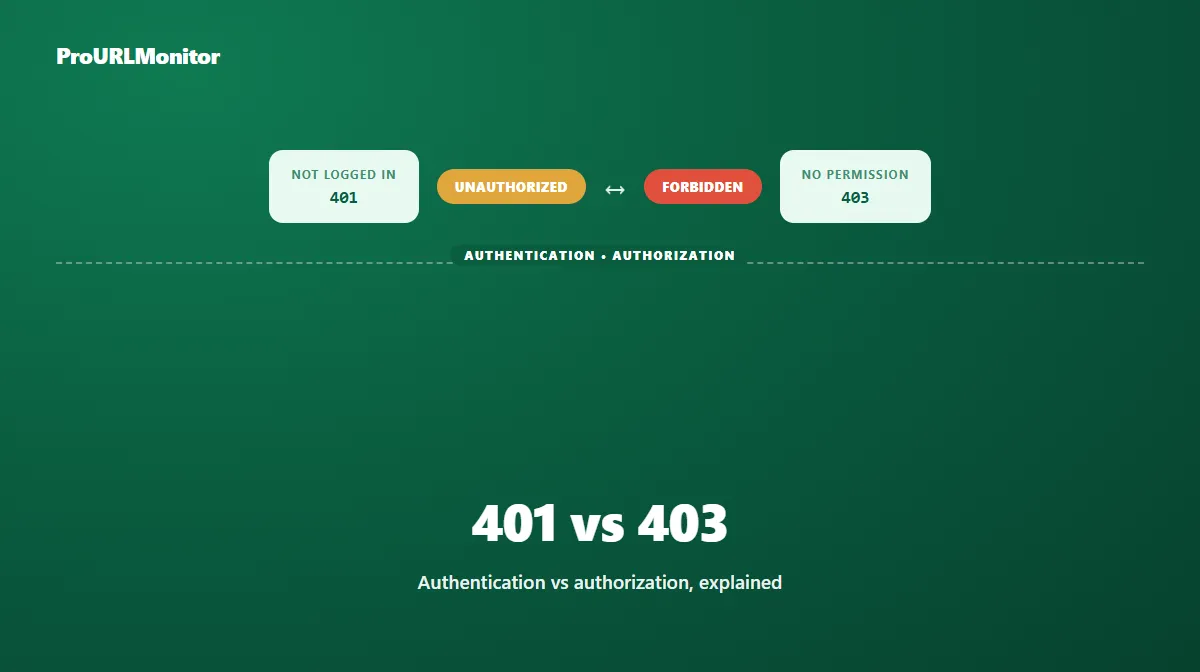
401 vs 403: What's the Difference?
Both 401 and 403 mean "you can't have this" — but they mean it for genuinely different reasons, and confusing the two leads to the wrong fix every time. One is about who you are; the other is about what you're allowed to do, and sometimes has nothing to do with you at all.
401 Unauthorized: Authentication Required or Failed
A 401 Unauthorized response means the request didn't include valid authentication credentials. Despite the name, it's really about authentication, not authorization — the server is saying "I don't know who you are (or your credentials are wrong), so I can't proceed." Logging in, refreshing an expired session, or supplying a correct API key or token is the expected next step.
A 401 response is expected to include a WWW-Authenticate header, telling the client what kind of authentication scheme is required — Basic, Bearer, Digest, or something custom — so the client (a browser, an app, an API consumer) knows how to actually supply credentials rather than just failing silently.
403 Forbidden: Understood, But Refused
A 403 Forbidden response means the server understood the request perfectly well — it may even know exactly who's asking — but refuses to fulfill it regardless. This is fundamentally about authorization, not authentication: being logged in, or supplying valid credentials, doesn't change the outcome.
A 403 can show up for reasons that have nothing to do with your account at all: a server blocking automated requests, a firewall rule targeting a specific IP range or region, or a resource that's simply not accessible to anyone outside a specific allowlist.
401 vs. 403 at a Glance
| 401 Unauthorized | 403 Forbidden | |
|---|---|---|
| Core meaning | Authentication missing or invalid | Authorization denied, regardless of authentication |
| Does logging in help? | Yes — that's the expected fix | Not necessarily — access may still be denied |
| Typical header | WWW-Authenticate present | No equivalent |
| Common examples | Expired session, missing API key, wrong password | Insufficient permissions, IP/geo block, bot protection |
Real Examples
- A dashboard that requires login: visiting it while signed out typically returns 401. Once you log in successfully, it resolves.
- An admin-only page you can view but not edit: you're authenticated, but the server still returns 403 for the edit action — logging in again wouldn't help, because the account itself lacks the permission.
- An API request missing a bearer token: 401, with a
WWW-Authenticate: Bearerheader telling the client what's expected. - An API request from a blocked IP range or a bot-protection system: 403, regardless of whether the request includes valid credentials — the block isn't about who's asking, it's about where the request is coming from.
Troubleshooting Each One
For a 401: confirm you're actually logged in and the session hasn't expired; for an API, verify the credentials, token, or key are present and correctly formatted in the request.
For a 403: first confirm you're logged in with an account that should have access — if it still fails, the issue is a permissions/authorization problem rather than a login problem, and needs whoever manages access to grant it. If there's no login involved at all (a public page suddenly 403ing), the more likely cause is a server-side block: rate limiting, an IP restriction, or automated-request detection.
Security Implications
There's a deliberate reason some servers return a 404 instead of a 403 for a restricted resource: a 403 confirms the resource exists (you're just not allowed to have it), while a 404 gives nothing away. For genuinely sensitive resources, some systems intentionally obscure a 403 behind a 404 to avoid confirming existence to an unauthorized requester. That's a legitimate security pattern, not a bug — worth knowing if you notice a resource behaving inconsistently between the two.
A Brief Note on 403 vs. 404
It's worth distinguishing this from the 401-vs-403 comparison above: a 403 explicitly says "this exists, and you're not allowed to see it." A 404 says "nothing is here" — regardless of whether that's strictly true, since (as noted above) some servers deliberately return a 404 instead of a 403 to avoid revealing that a restricted resource exists at all. If you're seeing a 403 where you expected content, the resource is there; if you're troubleshooting a 404, see our full 404 error guide instead.
Are 401 and 403 "Broken Links"?
Not necessarily, and a naive link checker that treats every non-200 response as dead will misreport them. A 401 or 403 frequently means the resource is intentionally protected — not missing — so a good status checker separates these into a "needs review" category rather than counting them alongside confirmed 404s. Our HTTP Status Checker and Broken Links Checker both make this distinction, and our HTTP status codes guide covers the full range of codes this applies to.
Frequently Asked Questions
What is the difference between 401 and 403?
401 Unauthorized means the request lacks valid authentication — you're not logged in, or your credentials are missing or invalid. 403 Forbidden means the server knows exactly who you are (or doesn't need to know), but denies access regardless — logging in wouldn't change the outcome.
Does a 401 mean I'm logged out?
It means the server didn't receive valid credentials for this request — which is usually because you're not logged in, your session expired, or (for an API) the request is missing a required authentication token or key.
Does a 403 mean I'm logged in but blocked?
Often, yes — a 403 commonly shows up when you're authenticated but lack permission for that specific resource. But it can also appear for reasons unrelated to your account entirely, like a server blocking automated requests or a specific IP range.
What is the WWW-Authenticate header?
It's a header a server is expected to include with a 401 response, telling the client what kind of authentication is required (Basic, Bearer, Digest, and so on) so it knows how to prompt for or supply credentials. A 403 has no equivalent, since the point of a 403 isn't "authenticate and try again."
Is a 403 the same as a 404?
No, though some servers deliberately blur the line for security reasons. A 403 says "this exists, and you can't have it." A 404 says "nothing is here" — whether or not that's strictly true, some servers return a 404 instead of a 403 specifically to avoid confirming that a restricted resource even exists.
Can I fix a 401 or 403 myself?
For a 401, usually yes — log in, refresh an expired session, or supply the correct credentials/API key. For a 403, it depends on the cause: if it's a permissions issue on your own account, you may need elevated access from whoever manages it; if it's a server-side block (rate limiting, IP restrictions, bot protection), there may be nothing to do from the client side at all.
Do 401 and 403 responses count as broken links?
Not necessarily. Both often mean a resource is intentionally protected rather than actually gone, which is why a good link or status checker treats them as "needs review" instead of lumping them in with confirmed dead links like 404s.
Try Our Free SEO Tools
Put what you learned into action with our free SEO analysis tools.