Text-to-Speech vs. Speech-to-Text: What's the Difference?
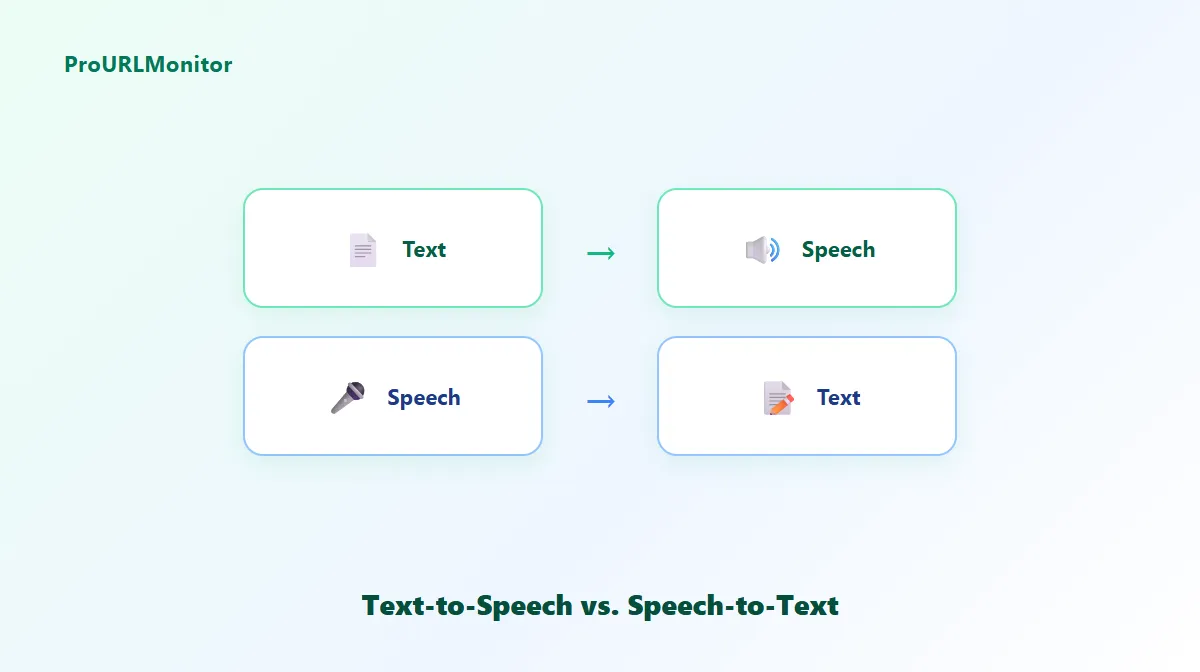
"Text-to-speech" and "speech-to-text" get confused constantly, probably because they're built from the same two words in a different order. They're actually opposite technologies, built to solve opposite problems. Here's the clear breakdown.
Text-to-Speech vs. Speech-to-Text at a Glance
| Text-to-Speech (TTS) | Speech-to-Text (STT) | |
|---|---|---|
| Direction | Text → spoken audio | Spoken audio → text |
| Also called | Speech synthesis | Speech recognition, transcription |
| Input | Written text | A voice recording or live microphone audio |
| Output | Audio you listen to | Text you read or edit |
| Typical accuracy | Very high (95-99%), since the input is clean text | Lower and more variable, since it depends on audio quality, accents, and background noise |
What Text-to-Speech (TTS) Does
Text-to-speech takes written words and turns them into spoken audio. You provide the text; the system analyzes its pronunciation and phrasing, then produces sound. It's an output technology — the goal is to deliver written content by ear instead of by eye.
Common uses: accessibility for people who prefer or need audio, proofreading a draft by listening to it, previewing a script before recording, and reading content aloud while multitasking.
Try it: ProURLMonitor's free Text-to-Speech Generator reads any text aloud using the voices already installed in your browser — no signup, nothing uploaded.
What Speech-to-Text (STT) Does
Speech-to-text does the reverse: it listens to spoken audio and produces a written transcript. You provide the audio (by speaking into a microphone or uploading a recording); the system has to recognize words, punctuation boundaries, and often speaker intent, then output text. It's an input technology — the goal is to capture what was said as text.
Common uses: transcribing meetings and interviews, dictating notes or emails hands-free, and creating captions or subtitles.
Try it: ProURLMonitor's free Voice to Text Converter transcribes real-time speech in 15+ languages, with pause, edit, and export.
Key Technical Differences
- Where the difficulty lies. TTS has to decide how to say clean text well — pronunciation, pacing, and intonation. STT has to first figure out what was even said, before it can write it down — a much noisier problem, since real speech includes accents, mumbling, overlapping voices, and background noise.
- What "quality" means. For TTS, quality is about how natural and intelligible the output audio sounds. For STT, quality is about transcription accuracy — how closely the text matches what was actually said.
- Where processing can happen. Both have browser-native versions (the Web Speech API covers both
SpeechSynthesisfor TTS andSpeechRecognitionfor STT) as well as cloud-based versions with larger, more capable models — the difference between "free and local" and "paid and more powerful" applies to both directions.
When to Use Text-to-Speech
Reach for TTS when you're starting from text and want audio — proofreading by ear, checking how a script or presentation will sound before recording it, making written content accessible, or simply listening to something instead of reading it.
When to Use Speech-to-Text
Reach for STT when you're starting from speech and want text — turning a meeting or interview into a transcript, dictating an email or document instead of typing it, or capturing notes hands-free.
Can They Work Together?
Yes, and this is a genuinely common workflow: dictate rough notes with speech-to-text, clean up and edit the resulting text, then run it back through text-to-speech to hear how the final version actually sounds before recording it properly or publishing it. Each tool handles the direction it's actually good at.
Try Both Tools
- Text-to-Speech Generator — paste text, choose a voice, and listen instantly.
- Voice to Text Converter — speak or upload audio and get an editable transcript in 15+ languages.
Frequently Asked Questions
What is the main difference between text-to-speech and speech-to-text?
They convert in opposite directions. Text-to-speech (TTS) takes written text and produces spoken audio. Speech-to-text (STT), also called speech recognition, takes spoken audio and produces written text. One is an output/delivery technology, the other is an input/capture technology.
Which one should I use to make a script sound like a voiceover?
Text-to-speech. If you're starting from written words and want to hear them spoken — to preview a script, help with accessibility, or create narration — TTS is the right direction.
Which one should I use to turn a recording or spoken notes into text?
Speech-to-text. If you're starting from spoken audio, whether that's you talking, a meeting, or an interview, and you want a written transcript, STT is the right direction.
Can text-to-speech and speech-to-text be used together?
Yes. A common workflow is dictating notes with speech-to-text, editing the resulting text, and then using text-to-speech to listen back to the final version before publishing or recording it properly.
Are text-to-speech and speech-to-text equally accurate?
Not quite, and for a structural reason. TTS starts from clean, well-formed text, so it can reliably hit 95-99% intelligibility fairly easily. STT has to interpret real, messy spoken audio — accents, background noise, and overlapping speech all make transcription meaningfully harder than synthesis.
Try Our Free SEO Tools
Put what you learned into action with our free SEO analysis tools.