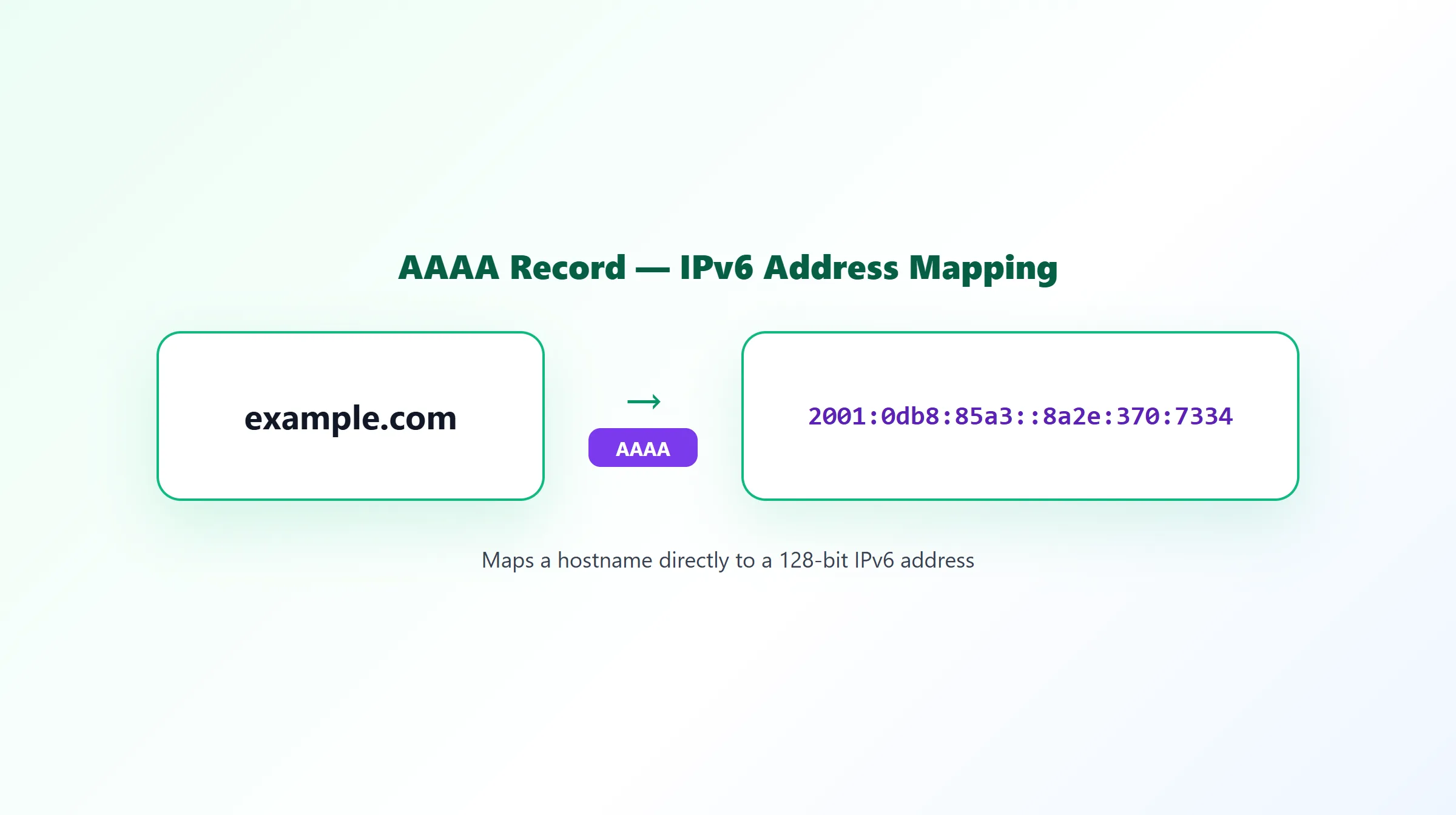
What Is an AAAA Record? IPv6 DNS Records Explained
IPv4 addresses have been formally exhausted for years, and IPv6 is the protocol built to replace them — but DNS needs a way to hand out IPv6 addresses that's separate from how it hands out IPv4 ones. That's the entire job of an AAAA record.
What Is an AAAA Record?
An AAAA record maps a hostname to an IPv6 address, the same basic job an A record does for IPv4. Where an A record might hold example.com → 192.0.2.10, an AAAA record holds something like:
example.com. 300 IN AAAA 2001:db8:85a3::8a2e:370:7334
The name comes from the size difference between the two address families: IPv6 addresses are 128 bits, four times the 32 bits of an IPv4 address, so the record type is written with four As instead of one.
AAAA vs A Record
| A Record | AAAA Record | |
|---|---|---|
| Address family | IPv4 | IPv6 |
| Address length | 32 bits | 128 bits |
| Example value | 192.0.2.10 | 2001:db8::1 |
| Required at apex? | Yes, if the domain resolves to a server | Optional, alongside an A record |
They're entirely independent records. A domain can have an A record with no AAAA record (IPv4-only), an AAAA record with no A record (rare, IPv6-only), or both at once.
When Is an AAAA Record Used?
An AAAA record is used any time a domain needs to be reachable over IPv6 — which, in practice, means most modern production sites that want to serve mobile networks and ISPs where IPv6 is now the default or preferred path. A client capable of IPv6 will generally prefer it over IPv4 when both are available (a behavior often called "Happy Eyeballs"), so having a working AAAA record can mean a meaningfully faster connection for a real share of visitors.
Dual-Stack Hosting
Running both an A and an AAAA record for the same hostname is called dual-stack: IPv4-only clients use the A record, IPv6-capable clients use the AAAA record, and nothing about the setup forces a choice between them. This is the standard, safe way to adopt IPv6 — it adds a path rather than removing one.
Common AAAA Record Mistakes
- Publishing an AAAA record before IPv6 actually works on the server. If a client tries the AAAA address and the server doesn't genuinely answer on IPv6, connections can be slow or fail before falling back to IPv4.
- Forgetting to update the AAAA record during a migration. It's easy to update a domain's A record when moving hosts and forget the AAAA record points at the old IPv6 address entirely.
- Assuming "no AAAA record" is a misconfiguration. It isn't — plenty of correctly configured, IPv4-only domains simply have no AAAA record at all, and that's a valid setup, not an error.
Example AAAA Record
Name: example.com
Type: AAAA
Value: 2001:db8:85a3::8a2e:370:7334
TTL: 300
How to Check an AAAA Record
Because A and AAAA records are queried and cached independently, checking a domain's A record tells you nothing about whether it has an AAAA record too — you have to look it up specifically. ProURLMonitor's free DNS Records Checker queries AAAA records (along with A, MX, TXT, NS, CNAME, and SOA) for any domain in a single pass, so you can confirm IPv6 support at a glance. For the full rundown of every common record type, see our DNS record types guide.
Frequently Asked Questions
What does AAAA stand for in DNS?
AAAA isn't an acronym — it's a naming convention. An IPv6 address is four times the size of an IPv4 address (128 bits vs 32 bits), and the record type name follows that same 4x pattern: "A" for the original IPv4 record, "AAAA" (four As) for its IPv6 counterpart.
What is the difference between an A record and an AAAA record?
Both map a hostname to an address, but an A record stores an IPv4 address (like 192.0.2.10) and an AAAA record stores an IPv6 address (like 2001:db8::1). They're independent records — a domain can have one, the other, or both at the same time, and each is queried and cached separately.
Does every domain need an AAAA record?
No, but it's increasingly common for one to be present alongside an A record. A domain with only an A record still works fine for IPv4-only clients; adding an AAAA record lets IPv6-capable clients connect over IPv6 as well, which is often faster and avoids IPv4 carrier-grade NAT overhead where it's in use.
What happens if a domain has an AAAA record but the server doesn't actually support IPv6?
Clients that prefer IPv6 will try to connect over it, fail or time out, and typically fall back to IPv4 — but that fallback isn't instant, and on some networks it causes a noticeable delay. This is one of the most common AAAA misconfigurations: publishing an AAAA record before IPv6 connectivity is actually working end-to-end on the server.
What is dual-stack hosting?
Dual-stack means a server (and its DNS) is set up to handle both IPv4 and IPv6 simultaneously — an A record for IPv4 clients and an AAAA record for IPv6 clients, both pointing at infrastructure that actually answers on both protocols. It's the standard way to support IPv6 without cutting off any IPv4-only visitors.
How do I check if a domain has an AAAA record?
Query the domain for its AAAA record specifically, since it won't show up in an A record lookup. ProURLMonitor's free DNS Records Checker looks up AAAA records (along with A, MX, TXT, NS, CNAME, and SOA) for any domain in one pass, so you can see immediately whether IPv6 is configured.
Try Our Free SEO Tools
Put what you learned into action with our free SEO analysis tools.