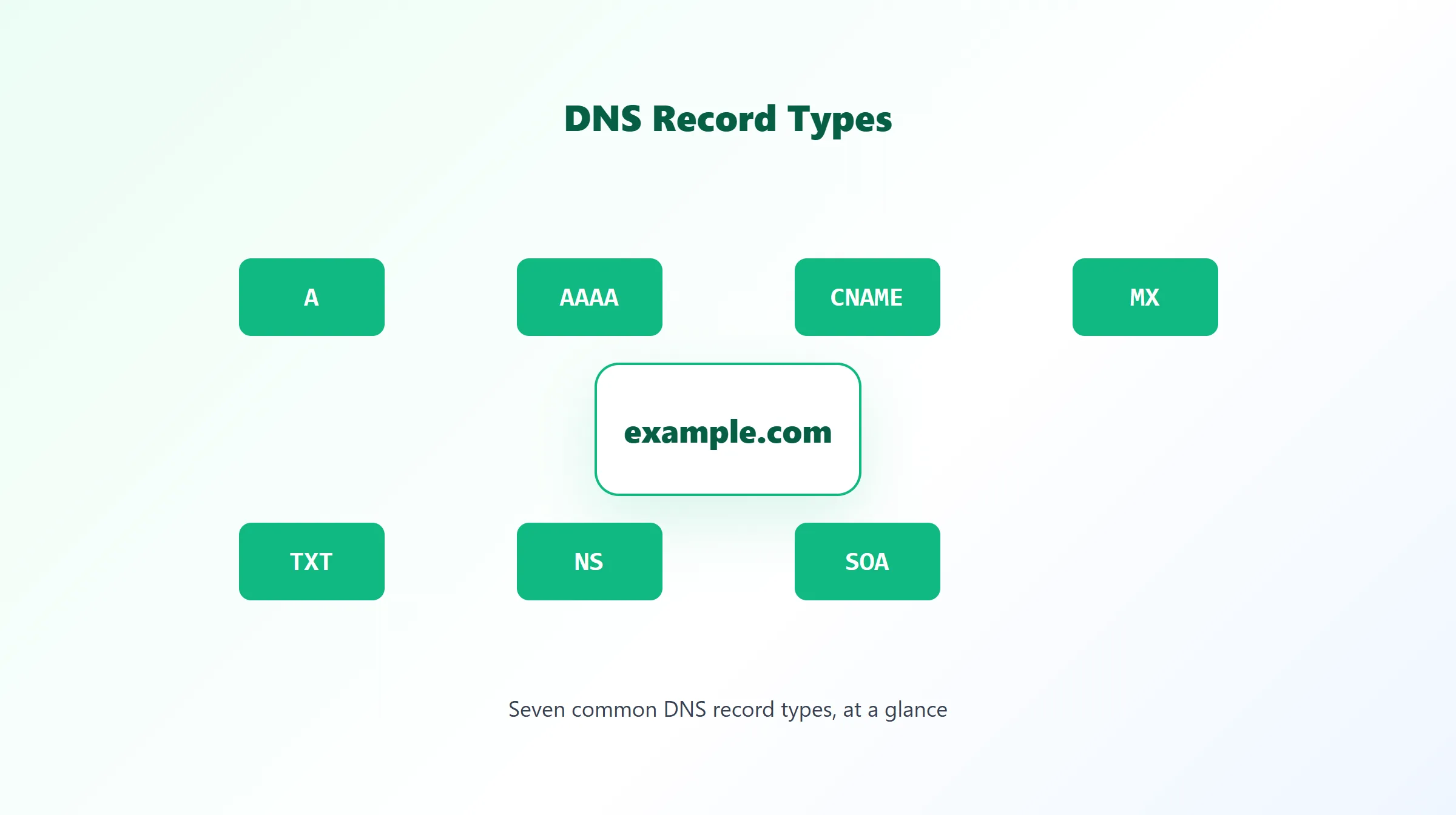
DNS Record Types Explained: A, AAAA, CNAME, MX, TXT, NS & SOA
Every time a browser loads a page, an email gets delivered, or a service verifies you own a domain, DNS records are doing the actual work behind the scenes. A DNS record is a single line in a domain's zone file — a small, typed piece of data that answers one specific kind of question: "where's the server?", "who handles mail?", "what text is attached here?"
Most domains only use a handful of record types in practice. This guide walks through the common ones, what each is actually for, and where to go for a deeper look at any single type.
What Is a DNS Record?
A DNS record lives in a domain's zone file, held on the domain's authoritative nameservers. Each record has a type (A, MX, TXT, and so on), a name (the hostname it applies to), a value (the actual data — an IP address, another hostname, a text string), and a TTL (how long resolvers may cache it before checking again).
When a resolver looks up example.com, it isn't reading one big answer — it's asking for one record type at a time. A request for the A record gets an IP address back. A request for the MX record gets mail server information back. They're separate questions with separate, independently cached answers.
DNS Record Types at a Glance
| Record | Purpose | Example value |
|---|---|---|
| A | Maps a hostname to an IPv4 address | 192.0.2.10 |
| AAAA | Maps a hostname to an IPv6 address | 2001:db8::1 |
| CNAME | Aliases a hostname to another hostname | example.com |
| MX | Lists mail servers and their priority | 10 mail.example.com |
| TXT | Attaches arbitrary text to a hostname | v=spf1 include:_spf.google.com ~all |
| NS | Delegates a zone to specific nameservers | ns1.example.com |
| SOA | Holds zone-wide authority and timing data | serial, refresh, retry, expire, minimum TTL |
A Record
An A record is the simplest and most fundamental record type: it maps a hostname directly to an IPv4 address, e.g. example.com → 192.0.2.10. It's required at a domain's root (apex) if the domain itself needs to resolve to a server, since CNAMEs can't be used there.
AAAA Record
An AAAA record does the same job as an A record, but for IPv6 addresses instead of IPv4 (example.com → 2001:db8::1). A domain can — and increasingly should — have both an A and an AAAA record side by side, so IPv4-only and IPv6-capable clients both get a usable address. For the full picture, including dual-stack setups and common mistakes, see our AAAA record guide.
CNAME Record
A CNAME record points a hostname at another hostname instead of an IP address directly — commonly used for subdomains like www or for pointing a hostname at a third-party service (a CDN, a hosting platform) without needing to track that service's IP addresses yourself. CNAMEs can't be used at a domain's root, because the root also has to carry SOA and NS records, and a CNAME can't share a name with any other record type. Our CNAME record guide covers the mechanics and limitations in full, and A record vs CNAME walks through exactly when to reach for each.
MX Record
An MX record tells the internet which mail servers handle email for a domain, and in what order to try them via a numeric priority — lower numbers are tried first. A domain typically has at least one MX record, often several for redundancy. See our MX record guide for the full priority mechanics and common misconfigurations.
TXT Record
A TXT record attaches an arbitrary text string to a hostname. In practice, TXT records are used heavily for email authentication (SPF, DKIM, DMARC) and for domain-ownership verification tokens from services like Google Workspace or Microsoft 365. A single domain can — and often does — have several unrelated TXT records at once.
NS Record
An NS record delegates a zone (or subzone) to a specific set of authoritative nameservers. At least two NS records are required for basic DNS redundancy, and they're what actually tell the rest of the internet which servers are allowed to answer authoritatively for a domain.
SOA Record
Every zone has exactly one SOA (Start of Authority) record, holding administrative data about the zone itself: the primary nameserver, the responsible administrator's mailbox, a serial number, and four timing values (refresh, retry, expire, and minimum TTL) that govern how secondary nameservers stay in sync and how long negative answers get cached. Our SOA record guide breaks down every field.
Other DNS Record Types
Beyond the seven above, a handful of other types show up for more specialized needs: SRV records locate specific services on non-default ports, CAA records restrict which certificate authorities may issue TLS certificates for a domain, and DS/DNSKEY records support DNSSEC. These aren't covered by every DNS lookup tool — check what a given tool actually queries before assuming full coverage.
How to Check DNS Records
Rather than querying one record type at a time by hand, a DNS records tool checks all the common types for a domain in a single pass. ProURLMonitor's free DNS Records Checker looks up A, AAAA, MX, TXT, NS, CNAME, and SOA records for any domain using Google's public DNS resolver, and distinguishes a domain that simply has no records of a given type from one that doesn't exist at all (NXDOMAIN) — a distinction that matters a lot when you're troubleshooting.
If you're checking a record right after changing it, keep in mind a single lookup only shows one resolver's current cached view — see how DNS propagation actually works and our DNS Propagation Checker for comparing several independent resolvers at once.
Which DNS Record Type Do You Need?
- Website not loading? Start with A and AAAA.
- Email not arriving? Start with MX, then check TXT for SPF/DKIM/DMARC.
- Domain pointing at the wrong place after a migration? Check NS and CNAME.
- Verifying domain ownership for a third-party service? That's almost always a TXT record.
- Not sure where to start? Run the domain through a records checker and look at everything at once.
Frequently Asked Questions
What is a DNS record?
A DNS record is a single entry in a domain's zone file that tells DNS resolvers how to handle a specific kind of query for that domain — where to send web traffic, which servers handle email, which text values are attached to the domain, and so on. A domain typically has many records, of several different types, all living in the same zone.
How many DNS record types are there?
Dozens of record types are defined across various DNS-related RFCs, but the vast majority of everyday domains only ever need a handful: A, AAAA, CNAME, MX, TXT, NS, and SOA cover the large majority of real-world configurations. Less common types like SRV, CAA, and DNSSEC-related records (DS, DNSKEY) show up for more specialized setups.
What's the difference between an A record and a CNAME record?
An A record points a hostname straight at an IPv4 address. A CNAME record points a hostname at another hostname instead, which then gets resolved in turn. A records are required at a domain's root (apex); CNAMEs are commonly used for subdomains like www or subdomains pointing at third-party services.
Do all DNS records have a TTL?
Yes. Every DNS record has a TTL (Time To Live) value that tells resolvers how long to cache it before re-checking with the authoritative nameserver. TTL is set per record, not globally, so an A record and an MX record on the same domain can have completely different cache lifetimes.
Which DNS record type do I need to check first?
It depends on what you're troubleshooting. A website not loading points to A/AAAA records. Email not arriving points to MX (and often TXT, for SPF/DKIM/DMARC). A domain resolving to the wrong place after a migration points to NS or CNAME. When in doubt, checking all of them at once with a DNS records tool is faster than guessing.
Can a domain have multiple records of the same type?
Yes, and it's common. Multiple A records let a domain resolve to more than one IP address for redundancy or load balancing. Multiple MX records let mail fall back to a secondary server if the primary is unreachable. Multiple NS records (at least two) are actually required for basic DNS redundancy.
How can I check a domain's DNS records myself?
Use a DNS records checker to query a domain and see its A, AAAA, MX, TXT, NS, CNAME, and SOA records in one place. ProURLMonitor's free DNS Records Checker does exactly this using Google's public DNS resolver, and clearly separates "no records of this type" from a domain that doesn't resolve at all.
Try Our Free SEO Tools
Put what you learned into action with our free SEO analysis tools.