What Is a CNAME Record? How DNS Aliases Work
Not every hostname needs its own IP address. A CNAME record lets one hostname simply point at another hostname instead — an alias that follows wherever its target goes, without needing to track an IP address of its own.
What Is a CNAME Record?
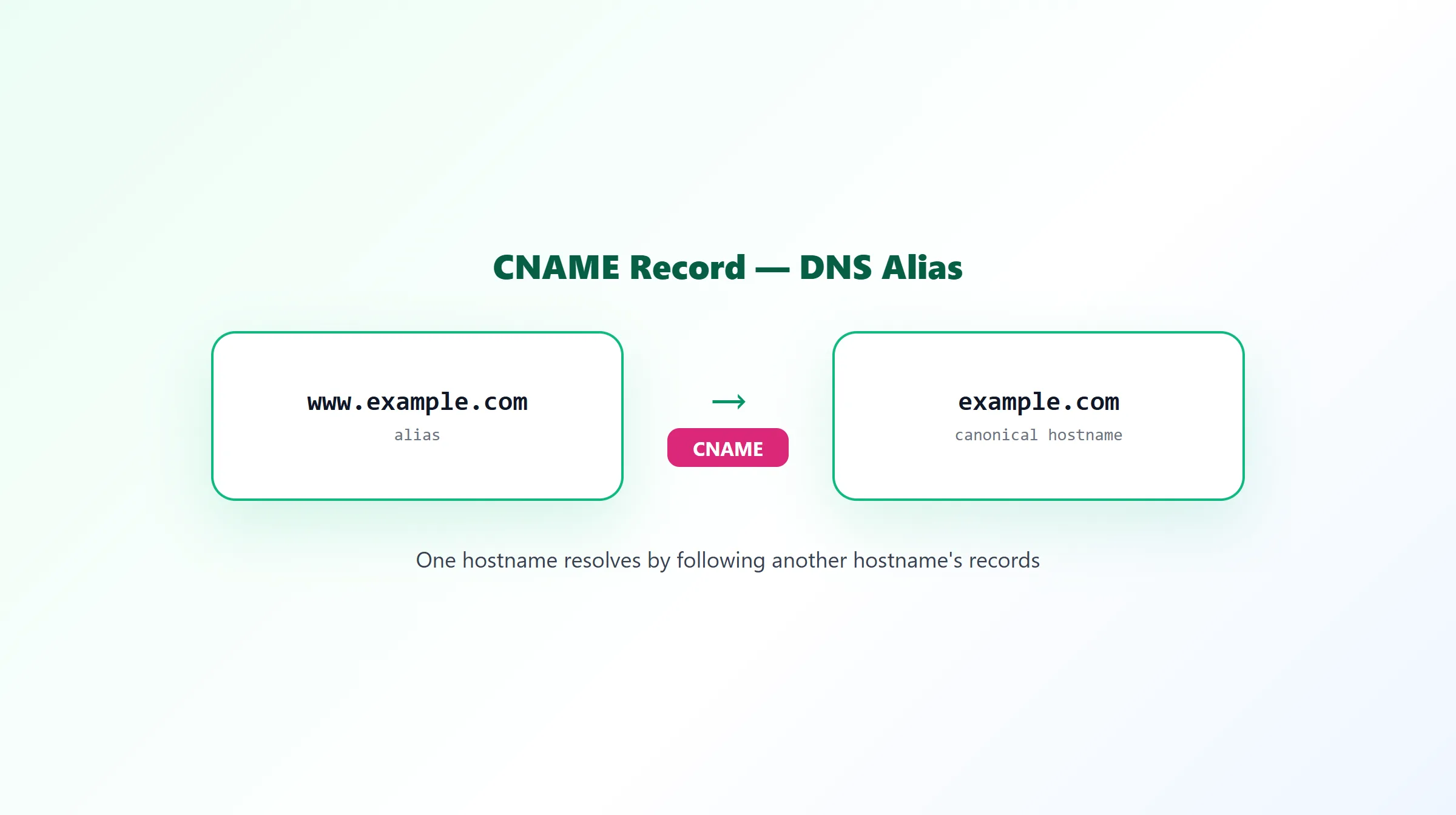
CNAME stands for Canonical Name. Instead of resolving directly to an address, a CNAME record points a hostname at a different hostname, which then gets resolved in its place:
www.example.com. 300 IN CNAME example.com.
When a resolver looks up www.example.com here, it sees the CNAME, follows it to example.com, and continues resolving from there — checking that hostname's own A or AAAA record to get an actual address.
Alias vs Canonical Hostname
The two sides of a CNAME record have specific names:
- Alias — the hostname that carries the CNAME record (
www.example.comin the example above). - Canonical name — the hostname it points to, which holds the "real" records (
example.com).
The alias has no address records of its own for that name; every lookup gets redirected to the canonical name's records instead.
Common Uses for a CNAME Record
- Pointing
wwwat the root domain, so both resolve consistently without maintaining two separate address records. - Pointing a hostname at a CDN or hosting platform, using the domain the provider gives you (e.g.
xyz.cdn-provider.net) instead of tracking that provider's IP addresses yourself, which can change without notice. - Custom domains for third-party services — email marketing platforms, page builders, and SaaS tools frequently ask you to point a subdomain at them via CNAME rather than handing you a fixed IP.
CNAME Limitations
A CNAME record comes with one hard rule: it cannot coexist with any other record type at the same hostname. If a name has a CNAME record, it can't also have an A record, a TXT record, or anything else at that exact name — the CNAME is the only thing there.
That rule is also why a CNAME can't be used at a domain's root (apex) — example.com itself, rather than a subdomain of it. The apex is always required to carry SOA and NS records, and since a CNAME can't share a name with any other record, a literal CNAME at the apex is invalid and most authoritative DNS providers will simply reject it. Providers work around this with apex-only features — commonly called CNAME flattening, ALIAS, or ANAME records depending on the vendor — which behave like a CNAME to configure but are resolved by the provider's own nameservers into a plain A/AAAA record before being handed to the rest of the internet.
CNAME Lookup Example
Name: blog.example.com
Type: CNAME
Value: example.com
TTL: 300
A lookup for blog.example.com here returns the CNAME pointing to example.com, and a full resolution continues by looking up example.com's own A or AAAA record.
How to Check a CNAME Record
ProURLMonitor's free DNS Records Checker looks up CNAME records — along with A, AAAA, MX, TXT, NS, and SOA — for any domain or subdomain, so you can confirm exactly what a hostname is aliased to and troubleshoot subdomain configuration without guessing. If you're deciding whether a hostname should get its own A record or a CNAME instead, see A record vs CNAME for the full decision framework, or start from our DNS record types overview for the bigger picture.
Frequently Asked Questions
What is a CNAME record?
A CNAME (Canonical Name) record points one hostname at another hostname instead of at an IP address directly. When a resolver looks up a name with a CNAME, it doesn't stop there — it follows the CNAME to the target hostname and resolves that instead, the same way a browser follows a redirect.
What's the difference between an alias and a canonical hostname in a CNAME record?
The hostname carrying the CNAME record is the alias — the name you're pointing somewhere else. The hostname it points to is the canonical name — the "real" hostname that actually has its own A, AAAA, or other records. www.example.com pointing to example.com via CNAME makes www.example.com the alias and example.com the canonical name.
Can a CNAME record be used at a domain's root (apex)?
No. A domain's root always needs SOA and NS records, and a CNAME can't coexist with any other record type at the same name — that's a rule in the DNS protocol itself, not a limitation of any particular provider. Root domains use an A/AAAA record instead, or a provider-specific workaround like CNAME flattening (sometimes marketed as ALIAS or ANAME).
Does a CNAME record slow down DNS resolution?
Slightly. Following a CNAME to its target requires an additional DNS lookup compared to an A record that resolves directly to an IP address. In practice this adds a small amount of latency to the first, uncached lookup — usually negligible, though it's a reason some high-traffic root-domain setups avoid CNAME-like behavior at the apex even where a provider offers a workaround.
What are common uses for a CNAME record?
Pointing a subdomain like www at the root domain, pointing a hostname at a CDN or hosting platform's provided domain without tracking its IP addresses, and pointing service subdomains (like a custom domain for a SaaS tool) at that provider's infrastructure are all typical CNAME use cases.
How do I check a domain's CNAME record?
Query the hostname directly for its CNAME record. ProURLMonitor's free DNS Records Checker checks CNAME records (along with A, AAAA, MX, TXT, NS, and SOA) for any domain or subdomain in one pass, so you can confirm exactly what a hostname is aliased to.
Try Our Free SEO Tools
Put what you learned into action with our free SEO analysis tools.