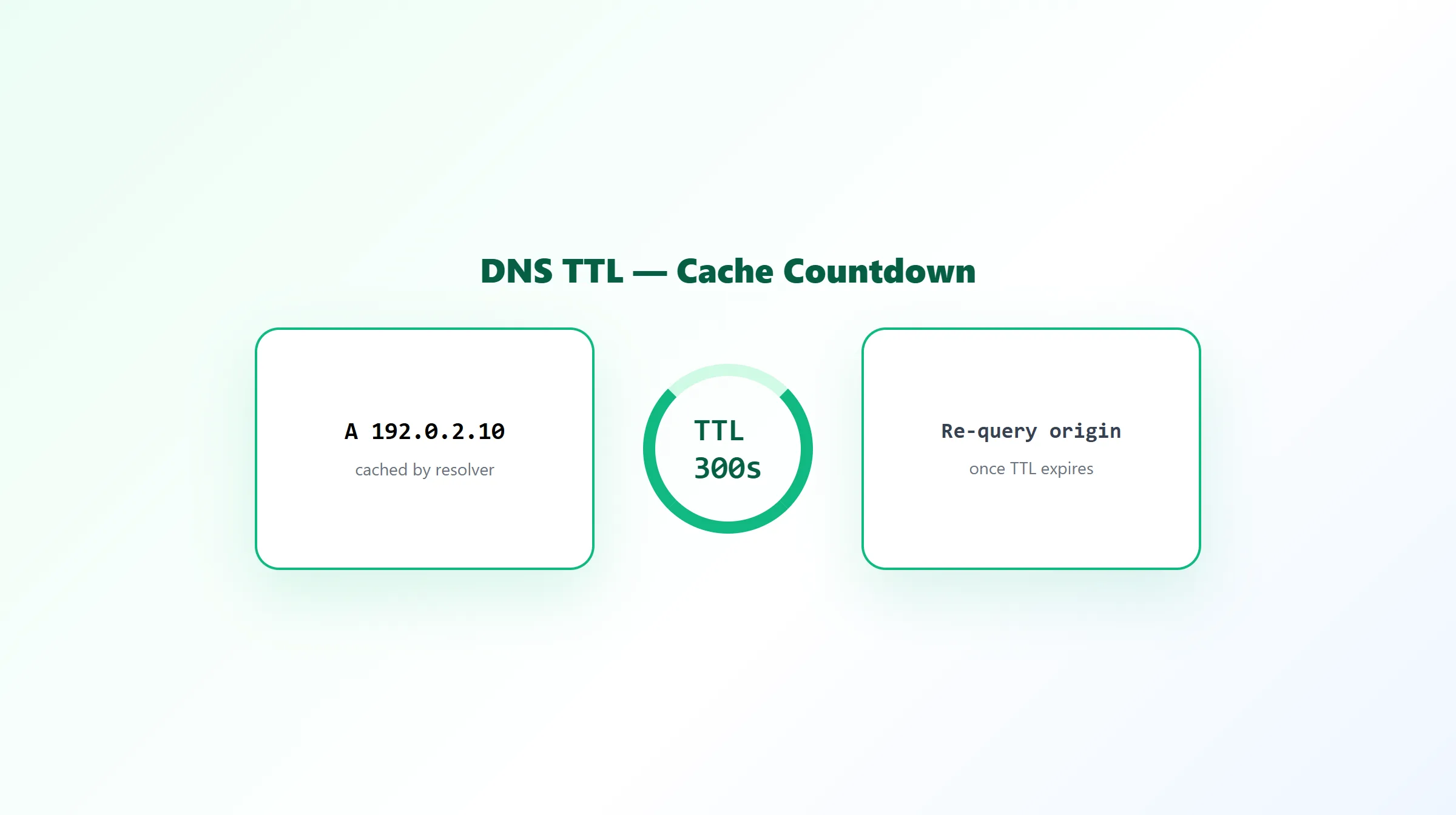
What Is TTL in DNS? How DNS Cache Time Works
If there's one DNS concept responsible for more confusion than any other, it's how long a change actually takes to "go live" everywhere. The honest answer isn't a fixed number of hours — it's TTL.
What Is TTL in DNS?
TTL (Time To Live) is a value attached to every individual DNS record, specifying how long, in seconds, a resolver is allowed to cache that record before it needs to re-check with the authoritative nameserver. A record with a 300-second TTL gets re-verified roughly every 5 minutes by any resolver that's actively querying it; one with an 86400-second TTL is cached for a full day at a time.
example.com. 300 IN A 192.0.2.10
That 300 is the TTL, expressed in seconds.
How Resolver Caching Actually Works
When a resolver looks up a record for the first time, it stores (caches) the answer along with the record's TTL. Every subsequent request for that same record, from that same resolver, is answered straight from the cache — no new query to the authoritative nameserver — until the TTL expires. Once it does, the next lookup triggers a fresh query, and whatever comes back gets cached again for another full TTL period.
This is why a single global "DNS propagation time" doesn't really exist: every resolver caches independently, based on when it happened to last query that specific record and what that record's TTL was at the time. Two different resolvers, in two different locations, can genuinely see a value refresh at two different times — not because DNS is inconsistent, but because their caches simply started their countdowns at different moments.
Low vs High TTL Tradeoffs
| Low TTL (e.g. 300s) | High TTL (e.g. 86400s) | |
|---|---|---|
| Change visibility | Fast — most resolvers refresh within minutes | Slow — some resolvers may hold the old value for up to a day |
| DNS query volume | Higher — resolvers check back more often | Lower — less load on authoritative nameservers |
| Best for | Active migrations, testing, imminent planned changes | Stable, rarely-changed records |
A common, sensible pattern: lower a record's TTL to something like 300 seconds a day or two before a planned change (giving existing cached copies time to expire on the old TTL first), make the change, confirm it's stable, and then raise the TTL back up for normal operation.
The "24-48 Hours" Misconception
You'll frequently see DNS changes described as taking "24-48 hours to propagate globally." Treating that as a rule isn't accurate. Visibility is driven by TTL and by when each individual resolver last cached the record — not by a fixed universal clock. A record with a short TTL can be visible almost everywhere within minutes of the change. The 24-48 hour figure is closer to a worst-case scenario for records with unusually long TTLs, or for changes at the registrar/nameserver-delegation level (which involve caching layers beyond a single record's TTL) — not a realistic expectation for a typical, well-configured record change.
Practical Example
A domain's A record has a TTL of 3600 seconds (1 hour). The IP address is updated. A resolver that queried the record 5 minutes ago will keep serving the old IP for up to another 55 minutes, until its cached copy expires — at which point it queries again and picks up the new value. A resolver that hadn't cached the record at all will get the new value on its very first lookup after the change.
How to Check a Record's Current TTL
TTL is returned alongside the record's value on every DNS lookup, so checking it doesn't require anything special — just a records tool that actually surfaces it. ProURLMonitor's free DNS Records Checker shows the TTL for every A, AAAA, MX, TXT, NS, CNAME, and SOA record it looks up, so you can see exactly how long a given answer will be cached before your next check might return something different. If you specifically need to see how a record currently looks across several independent public resolvers — rather than a single lookup — that's a different job: see our DNS Propagation Checker, or read how DNS propagation actually works for the fuller picture of what "propagation" means beyond TTL alone.
Frequently Asked Questions
What does TTL mean in DNS?
TTL stands for Time To Live, and in DNS it's a value attached to every individual record specifying how long, in seconds, a resolver is allowed to cache that record before it has to check back with the authoritative nameserver for a fresh answer.
Is it true that DNS changes take 24-48 hours to propagate?
Not really, and treating it as a fixed rule is misleading. Visibility of a DNS change depends on each record's TTL and how long individual resolvers cache the old value — a record with a 300-second TTL can be visible almost everywhere within minutes, while one with a 24-hour TTL may take up to a day for some resolvers to refresh. 24-48 hours is closer to a legacy worst case than a typical timeframe.
What TTL value should I use?
For most production records, 300-3600 seconds (5 minutes to 1 hour) balances update speed against DNS query load reasonably well. Lower it to around 300 seconds shortly before a planned change (like a server migration), and consider raising it back afterward once the new value is confirmed stable.
Does every record on a domain share the same TTL?
No — TTL is set per record, not per domain. An A record and an MX record on the same domain can have completely different TTL values, and each is cached independently based on its own setting.
What happens right when a TTL expires?
Nothing dramatic — the next time a resolver is asked to resolve that name, instead of serving its cached copy, it re-queries the authoritative nameserver for a current value and caches that new answer for another full TTL period. If nothing changed, the resolver simply gets the same value back.
Is DNS TTL the same as DNS propagation?
They're related but not identical. TTL is the mechanism — the cache lifetime set on a specific record. Propagation is the broader, informal idea of a change becoming visible everywhere. TTL is the main variable that determines how fast propagation happens, but propagation also depends on how many resolvers cached the old value and when each of them last refreshed.
Try Our Free SEO Tools
Put what you learned into action with our free SEO analysis tools.