Redirect Mapping: How to Build and Test a Redirect Map for Migrations
A migration doesn't fail because someone forgot to redirect the homepage — it fails one deep, unglamorous URL at a time: a product page with a decent backlink, a blog post ranking for a long-tail term, a category page with real traffic. A redirect map is what keeps those pages working. It's the plan that decides, before anything goes live, exactly where every old URL should point once the new site is up.
This guide covers what redirect mapping actually involves, what a usable redirect map should include, the mistakes that quietly strand traffic, and how to test the map both before and after launch.
What Is Redirect Mapping?
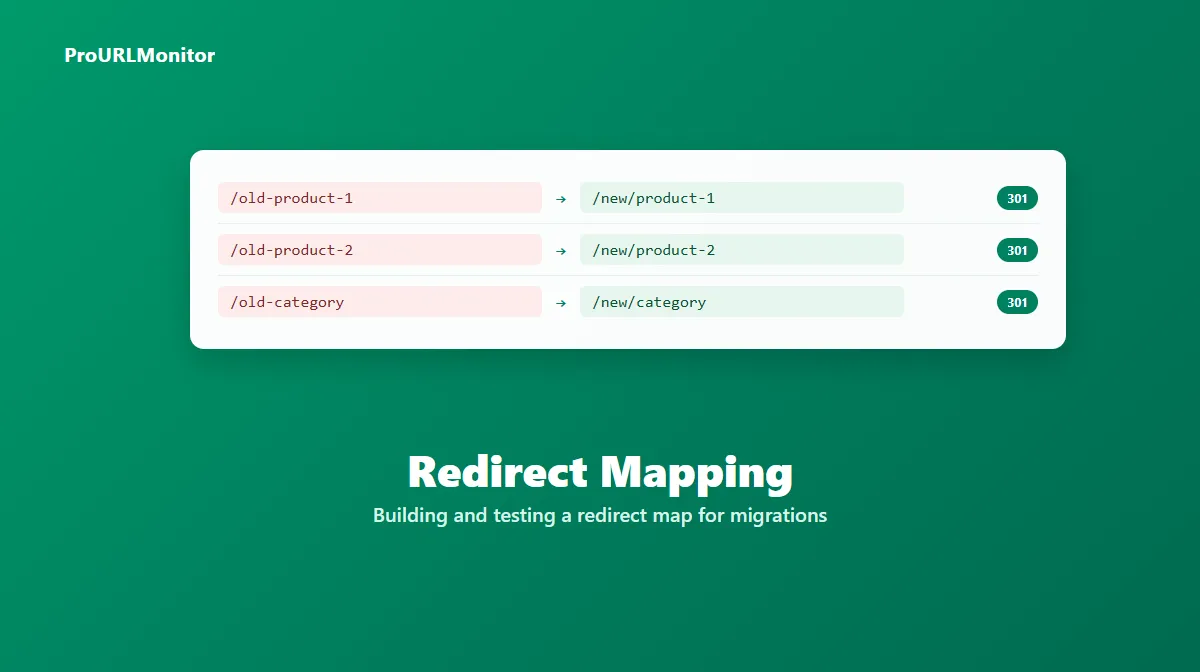
Redirect mapping is the process of matching every old URL that needs to keep working to its correct new destination, before a domain change, replatform, redesign, or URL restructure goes live. It's planning work, not implementation — the map itself doesn't redirect anything; it's the source of truth that the actual redirect rules (in your CMS, server config, or CDN) get built from.
The output is a redirect map: a list, almost always a spreadsheet, of old-URL-to-new-URL pairs. A small site might need a few dozen rows. A large ecommerce catalog or content archive can run into the thousands, which is exactly why this is planned as a document first rather than improvised rule-by-rule during launch.
What a Redirect Map Should Include
A functional redirect map needs two columns at minimum:
| Old URL | New URL |
|---|---|
/old-product-1 | /new/product-1 |
/old-category | /new/category |
/blog/old-post-slug | /blog/new-post-slug |
That's enough to implement redirects from. In practice, most teams add a few more columns to make the map usable during the actual migration:
- Redirect type — almost always 301 for a genuine permanent move (see below for when that's not the right choice).
- Priority or traffic indicator — so pages with real organic traffic or backlinks get implemented and checked first, rather than every URL being treated as equally urgent.
- Status — implemented / not yet / verified, so the team can track progress on a large map without guessing what's still outstanding.
Page title, meta description, or a note on why a URL is being consolidated are useful context but optional — they help whoever's building the map reason about content, not something the redirect rule itself needs.
How to Build a Redirect Map
1. Inventory every existing URL that matters. Pull URLs from your XML sitemap, a full site crawl, Google Search Console's indexed-pages report, Google Analytics' top-traffic pages, and your backlink profile. Each source catches URLs the others miss — a sitemap won't include a page that was removed from navigation but still has backlinks, and Analytics won't include a page that gets no organic traffic but ranks for something valuable anyway.
2. Match each old URL to its real new equivalent. This is the part that actually takes effort. For a straightforward rename or replatform, the new equivalent is usually obvious. For a restructure, a content consolidation, or a domain change with a different information architecture, it isn't — and this is exactly where a map earns its keep, because working it out in a spreadsheet ahead of time is far cheaper than discovering the mismatch after launch.
3. Decide what happens to URLs with no direct equivalent. Not every old URL survives a migration with a clean 1:1 match. When content is merged or removed outright, redirect to the closest genuinely relevant page — a related category or a merged article's new location — not a generic fallback. If nothing is truly relevant, letting the URL return a normal 404 is a more honest outcome than redirecting it somewhere unrelated just to avoid a 404.
4. Assign the redirect type per row. Default to 301 for permanent changes. Flag any row that's genuinely temporary as 302 instead, and treat 307/308 as the exception reserved for cases where the underlying request method needs to be preserved.
5. Get the map reviewed before implementation begins. A second set of eyes — someone who knows the old site's content — reliably catches mismatches automatically-generated matches slip through when URLs are matched programmatically (by pattern or slug similarity) rather than checked individually.
Common Redirect Mapping Mistakes
- Defaulting unmatched URLs to the homepage. This is the single most common mistake, and the most damaging one. A homepage redirect preserves almost none of the original page's relevance, and doing it at scale looks, to both users and search engines, like the content simply vanished.
- Only mapping top-level or navigation URLs. Deep pages — old blog posts, discontinued product pages, category pages that got merged — are exactly the ones most likely to get missed, and often the ones with the most accumulated backlinks and search equity.
- Ignoring query strings and parameters. If old URLs relied on query parameters (
?ref=,?utm_=, pagination, filters), decide up front whether the new site needs to preserve, strip, or redirect them — an unmapped parameter pattern can silently break redirects for an entire URL type at once. - Letting the map create its own redirect chains. If URL A was already redirecting to URL B before this migration, and the map now sends B to C, update A to point straight to C instead of leaving A → B → C in place. See the redirect chains guide for how these chains build up and why they're worth avoiding from the start.
- Treating the map as done once it's written. A redirect map that was never actually verified against the live implementation isn't a completed migration step — it's a plan that might or might not have been followed correctly.
Testing the Redirect Map
A redirect map is only as good as its implementation, and the only way to know the implementation matches the plan is to check it.
Before launch (on staging, if available): spot-check a sample of high-priority rows — top-traffic pages, pages with strong backlinks, and a few random deeper URLs — to confirm the redirect logic is working as designed before it reaches production traffic.
After launch: this is where checking needs to cover the whole map, not a sample. Take the old-URL column from the map and run it through the Bulk Redirect Checker, which checks up to 100 URLs per scan and reports each one's full redirect chain, exact status code, final destination, and redirect count — plus flags any redirect loop it finds. For a map larger than 100 rows, split it into batches of 100 and run each one through. Compare the final destination each URL actually resolves to against what the map specified, and treat any mismatch, unexpected chain, or non-301 status as something to investigate, not assume away.
For a single URL that looks wrong in that batch result and needs closer inspection — an unexpected extra hop, or a status code that doesn't match what was planned — the Redirect Checker gives a deeper, hop-by-hop view of that one URL specifically.
After the Map Is Implemented
Testing the map right after launch catches the redirects that were built incorrectly. It won't catch drift that happens later — a CMS update, a new CDN rule, or a plugin change that quietly breaks a redirect that worked at launch. Re-running the same old-URL list through the Bulk Redirect Checker periodically after a migration, not just once at launch, is a cheap way to catch that kind of regression before it shows up as a traffic drop.
Frequently Asked Questions
What is redirect mapping?
Redirect mapping is the process of matching every old URL that needs to keep working to its correct new destination before a site migration, domain change, or URL restructure goes live. The output is a redirect map — a list (usually a spreadsheet) of old-URL-to-new-URL pairs, along with the redirect type each one should use.
What is a redirect map?
A redirect map is the document produced by redirect mapping — typically a spreadsheet with at least an old URL column and a new URL column, often alongside the intended status code, page priority, and a column to confirm the redirect was implemented and tested correctly.
What should a redirect map include?
At minimum: the exact old URL and its correct new destination. Most maps also include the redirect type (usually 301), a priority or traffic indicator so high-value pages get checked first, and a status column to track whether each redirect has been implemented and verified. Some teams add page title or organic traffic as context for prioritization, but those are optional extras, not requirements.
Does every old URL need its own entry in the map?
Every URL that receives meaningful traffic, backlinks, or search visibility should get its own specific destination — not a shared fallback like the homepage. URLs with genuinely no value (thin, duplicate, or already-404ing pages) can be left to return a normal 404 instead of being force-mapped somewhere irrelevant.
What redirect type should a migration use?
A 301 (permanent) redirect is the standard choice for a genuine, permanent URL change during a migration, since it's the type built for exactly that situation. A temporary 302 is appropriate only if the move genuinely isn't final yet. Method-preserving 307/308 redirects matter mainly for non-GET requests, which is uncommon for the page URLs a typical content migration is mapping.
How do I test a redirect map after launch?
Take the same list of old URLs used to build the map and run it through a checker that reports the actual status code and final destination for each one, rather than assuming the map was implemented correctly. ProURLMonitor's Bulk Redirect Checker can check up to 100 of those URLs in one scan, so you can confirm every mapped redirect actually landed on the intended page instead of spot-checking a handful and hoping the rest are fine.
Try Our Free SEO Tools
Put what you learned into action with our free SEO analysis tools.