What Is an SOA Record? DNS Start of Authority Explained
Most DNS record types point somewhere — an IP address, a mail server, another hostname. The SOA record doesn't. It's the administrative record for the whole zone, and every zone has exactly one.
What Is an SOA Record?
SOA stands for Start of Authority. Rather than answering a specific query like "what's this domain's IP address," the SOA record describes the zone itself: which nameserver is authoritative for it, who's responsible for it, and how secondary nameservers should stay in sync with the primary. A resolver doesn't need the SOA record for everyday lookups — it mostly matters to nameservers keeping a zone synchronized, and to resolvers caching negative answers.
Every SOA Field, Explained
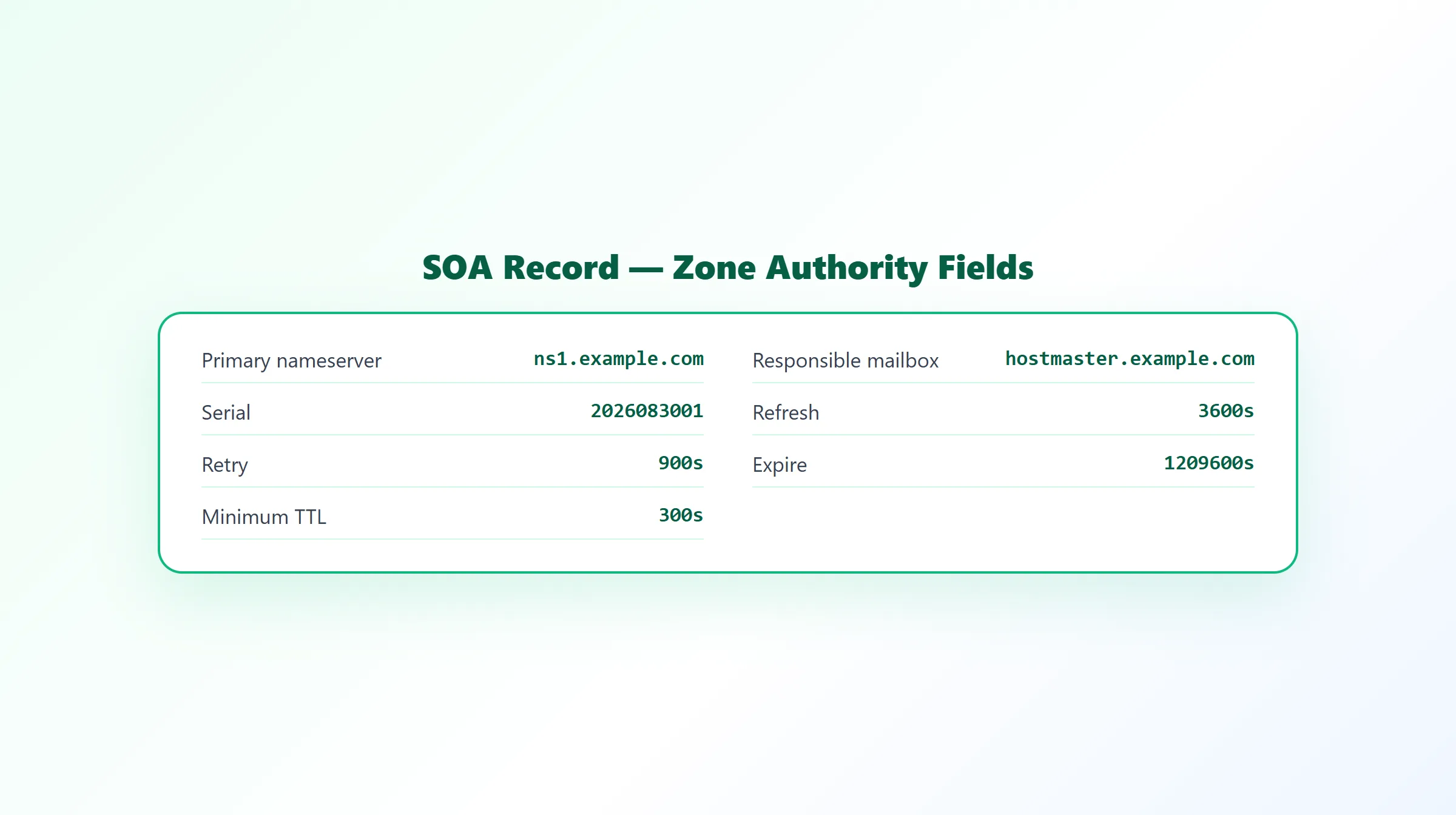
An SOA record's value has seven parts:
example.com.  3600  IN  SOA  ns1.example.com. hostmaster.example.com. (
                              2026083001  ; serial
                              3600        ; refresh
                              900         ; retry
                              1209600     ; expire
                              300 )       ; minimum TTL
| Field | Meaning |
|---|---|
| Primary nameserver (MNAME) | The authoritative primary nameserver for the zone — ns1.example.com above. |
| Responsible mailbox (RNAME) | The zone administrator's email address, written with the @ replaced by a dot — hostmaster.example.com means hostmaster@example.com. |
| Serial | A version number for the zone file. It should increase every time any record in the zone changes, so secondary nameservers can detect they're out of date by comparing serial numbers. |
| Refresh | How often, in seconds, a secondary nameserver checks the primary for updates. |
| Retry | If that check fails, how long (in seconds) the secondary waits before trying again. |
| Expire | The outer limit, in seconds, a secondary will keep answering authoritatively if it can't successfully refresh from the primary — past this point, it's expected to stop, since its data is considered too stale to trust. |
| Minimum TTL | How long, in seconds, resolvers should cache a negative answer — that a queried name or record type doesn't exist. |
Why the Serial Number Matters
The serial number is the mechanism secondary nameservers use to know whether they need to update. A secondary periodically compares its own last-seen serial number to the primary's current one (per the refresh interval); if the primary's is higher, the secondary knows something changed and pulls a fresh copy of the zone. If a zone is edited but the serial number isn't incremented, secondaries may never notice the change happened.
Minimum TTL and Negative Caching
The minimum TTL field is specifically about negative caching — how long a resolver remembers that something doesn't exist, such as a domain returning NXDOMAIN, or a specific record type having no answer for an otherwise-valid name. This is a separate mechanism from the TTL on individual positive records (an A record's own TTL, for instance), and it's why a record you just added can sometimes take a little while to "appear" if a resolver had already cached a negative answer for it.
How to Check an SOA Record
The SOA record's raw value is a single dense string, which makes it easy to misread by eye. ProURLMonitor's free DNS Records Checker looks up a domain's SOA record — alongside A, AAAA, MX, TXT, NS, and CNAME — and parses it into labeled fields (primary nameserver, responsible mailbox, serial, refresh, retry, expire, minimum TTL) automatically, so you don't have to count fields in a raw string by hand. For how SOA fits alongside the other common record types, see our DNS record types overview.
Frequently Asked Questions
What does SOA stand for in DNS?
SOA stands for Start of Authority. Every DNS zone has exactly one SOA record, and it doesn't route traffic anywhere — instead it holds administrative information about the zone itself: who's authoritative for it and how secondary nameservers should stay synchronized.
What is the serial number in an SOA record?
The serial number is a version counter for the zone file. It's supposed to increase every time any record in the zone changes, so secondary nameservers can tell, just by comparing serial numbers, whether their copy of the zone is out of date and needs to be refreshed from the primary.
What do refresh, retry, and expire mean in an SOA record?
Refresh is how often (in seconds) a secondary nameserver checks the primary for updates. Retry is how long it waits before trying again if that check fails. Expire is the outer limit — if a secondary can't successfully refresh from the primary before this much time passes, it stops answering authoritatively for the zone at all, on the assumption its data is too stale to trust.
What is the minimum TTL field in an SOA record used for?
The minimum TTL field (sometimes just called the SOA minimum) specifies how long resolvers should cache a negative answer — for example, that a specific record type doesn't exist for a name. It's why a fixed just-created record can sometimes still appear briefly as "not found" until this negative-caching period passes.
What is the responsible mailbox field in an SOA record?
It's the email address of the person or team administratively responsible for the zone, written in DNS's own format with the @ replaced by a dot — hostmaster.example.com instead of hostmaster@example.com. It's rarely used for anything automated today, but it's still a required field.
How do I check a domain's SOA record?
Query the domain for its SOA record to see the primary nameserver, responsible mailbox, and all four timing values in one response. ProURLMonitor's free DNS Records Checker looks up the SOA record for any domain and parses it into labeled fields — rather than showing the raw combined string — alongside A, AAAA, MX, TXT, NS, and CNAME records.
Try Our Free SEO Tools
Put what you learned into action with our free SEO analysis tools.