303 Redirect: What 'See Other' Means and When to Use It
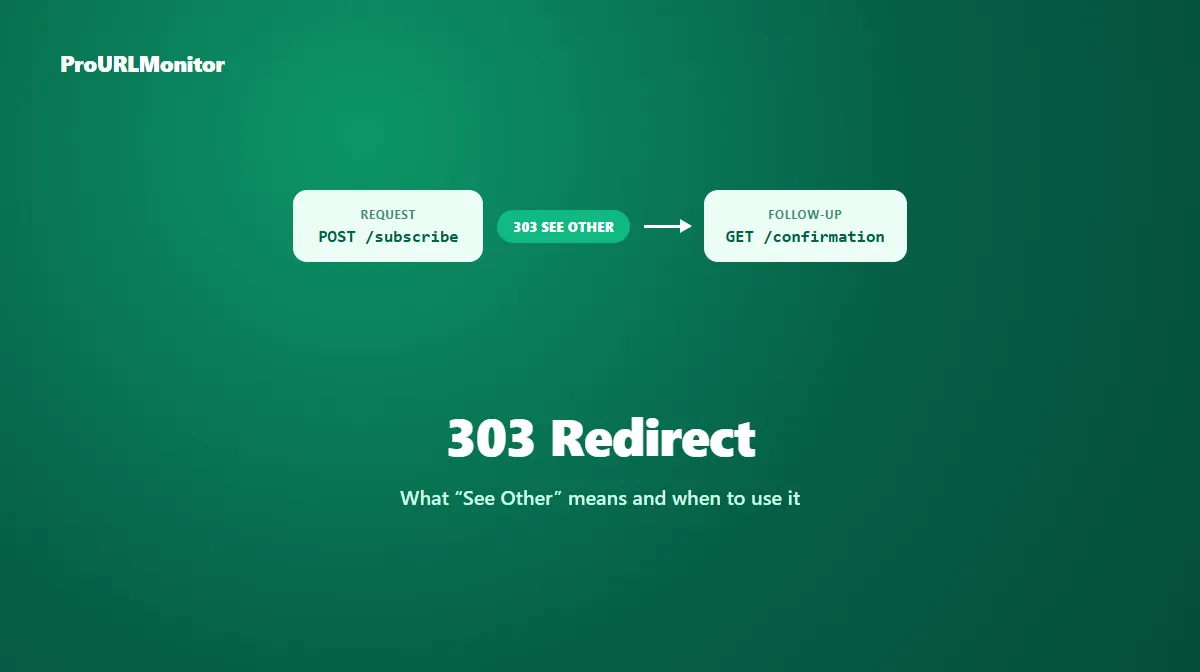
A 303 redirect returns the HTTP status code 303 See Other. Like a 302 or 307, it signals that a resource is available at a different URL. What sets it apart is a specific, guaranteed behavior: whatever method the original request used, the client is told to fetch the new location with a plain GET.
That guarantee is the entire reason 303 exists as its own status code, and it's the mechanism behind one of the most common patterns on the web — showing a confirmation page after a form submission without risking that page resubmitting the form if it's reloaded.
What Is a 303 Redirect?
A 303 tells a client: "look at this other resource instead, and fetch it with GET." Per MDN's documentation on the status code, "the method to retrieve the redirected resource is always GET" — regardless of whether the original request was a POST, a PUT, or something else (HEAD is the one exception, per the HTTP specification, where the follow-up request stays a HEAD).
This is functionally different from both other temporary redirects. A 302 doesn't strictly define what happens to the method — implementations have historically varied. A 307 goes the opposite direction of a 303, guaranteeing the original method is preserved rather than converted. A 303 is the one status code that deliberately forces the change to GET, every time.
What Does HTTP 303 See Other Mean?
The name itself is a fairly literal description: "see other" — the resource you asked about isn't what you should look at; a different one, at the URL in the Location header, is what you actually want. MDN describes it as commonly used "as a result of PUT or POST methods so the client may retrieve a confirmation, or view a representation of a real-world object" rather than the raw result of the original request.
That framing matters: a 303 isn't primarily about saying a URL has moved (the way a 301 or 302 is). It's about pointing to a separate resource — often a confirmation page, a status page, or a representation of something the original request just created or modified.
How a 303 Redirect Works
POST /subscribe HTTP/1.1
Host: example.com
Content-Type: application/x-www-form-urlencoded

email=example%40example.com

HTTP/1.1 303 See Other
Location: https://example.com/subscribe/confirmation
This is a fictional example for illustration, not a live measurement. The client receiving this response doesn't resend the POST — it issues a fresh GET request to /subscribe/confirmation, and that's the page it actually renders. The original POST is complete; the 303 is just pointing to where the client should look next.
When Should You Use a 303 Redirect?
Reach for a 303 specifically when you want the browser's next request to be a plain GET, regardless of what the current request was:
- After a form submission, to send the browser to a confirmation or "thank you" page instead of re-rendering the POST result directly.
- After creating a resource via POST or PUT, to redirect the client to a GET-able representation of that new resource — for example, an API that creates an order and redirects to
GET /orders/123. - Any situation where the original request shouldn't be repeated if the user reloads the resulting page, since a GET is safe to repeat in a way a POST usually isn't.
If the goal is simply a temporary redirect for an ordinary page-to-page move — no POST involved — a 302 is the more conventional and more commonly supported choice. If the goal is a temporary redirect that must preserve the original method exactly, that's the opposite job, and 307 is the status code for it.
Post/Redirect/Get and 303
The Post/Redirect/Get pattern is the most common reason a 303 shows up in the wild. Instead of a server responding to a form POST by directly rendering the result page, it responds with a 303 pointing to a separate URL, and the browser fetches that URL with a GET.
The practical benefit: if a visitor refreshes the page they land on, the browser re-issues the GET request, not the original POST. Without this pattern, refreshing a page that was the direct result of a POST can trigger the browser's "resubmit form?" warning, or in some setups, silently resubmit the data — duplicating an order, a comment, or a form entry.
Browser: POST /comments (submits a new comment)
Server:  303 See Other → /comments/482

Browser: GET /comments/482 (fetches the new comment's page)
Server:  200 OK
This is a fictional example for illustration, not a live measurement. Reloading /comments/482 afterward simply re-fetches that page with GET — it doesn't create a second comment.
303 vs 302 Redirect
| 302 | 303 | |
|---|---|---|
| Permanence | Temporary | Temporary |
| Method after redirect | Not strictly defined; historically inconsistent | Always GET |
| Typical use | Ordinary temporary page redirects | Post/Redirect/Get, confirmation pages |
| SEO treatment | Original stays canonical | Original stays canonical |
Both are temporary in the sense search engines care about — Google's documentation groups 303 with 302 and 307 as redirects its indexing pipeline doesn't treat as a canonicalization signal. The difference that actually matters is method handling: a 303 is the predictable choice specifically when you want the next request to become a GET. For a full breakdown of 302 on its own, see the 302 redirect guide.
303 vs 307 Redirect
These two sit at opposite ends of the same problem. A 303 always converts the follow-up request to GET. A 307 guarantees the opposite — the original method and body are preserved exactly, with no conversion at all.
| 303 | 307 | |
|---|---|---|
| Method after redirect | Always GET | Same as original request |
| Use when | You want a confirmation/result page fetched with GET | The exact original request must reach the new URL unchanged |
Choosing between them comes down to one question: after the redirect, do you want the client to fetch something new with GET (303), or replay the exact same request somewhere else (307)? For the full picture of 307, see the 307 redirect guide.
303 Redirect Examples
| Scenario | Why 303 fits |
|---|---|
A checkout form (POST /checkout) redirects to an order confirmation page | The confirmation should be fetched with GET, not resubmitted as a POST on reload. |
An API creates a resource via POST /tasks and redirects to GET /tasks/58 | The client should retrieve a representation of the new resource, not repeat the creation request. |
| A comment submission redirects to the comment's permanent page | Reloading the resulting page shouldn't re-post the same comment. |
All examples above are fictional and used only to illustrate the scenario.
How to Check a 303 Redirect
ProURLMonitor's Redirect Checker requests a URL and reports the exact status code returned at each hop, so you can confirm whether a response is a 303 rather than a 302 or another code.
- Open the Redirect Checker.
- Enter the URL you want to check.
- Run the check.
- Review the status code at each hop — a 303 will show up distinctly from a 301, 302, or 307.
- Confirm the destination matches the confirmation or resource page you expect.
Keep in mind that a redirect checker sends its own server-side request rather than replaying your application's exact original method — if you specifically need to confirm the Post/Redirect/Get behavior of a form, pair a redirect check with direct testing of the actual form submission.
Common 303 Redirect Mistakes
- Using a 302 where a 303 is actually needed, leaving method behavior inconsistent or unpredictable after a form submission.
- Expecting a 303 to preserve the original method, when its entire purpose is the opposite — converting the follow-up request to GET.
- Skipping the redirect entirely and rendering the POST result directly, which reintroduces the form-resubmission problem the 303/Post-Redirect-Get pattern exists to avoid.
- Confusing 303 with 307, and using the method-preserving one where a GET-converting response was actually needed, or vice versa.
- Assuming 303 changes SEO canonicalization compared to a 302 or 307 — it doesn't; all three are treated the same way for that purpose.
Frequently Asked Questions
What is a 303 redirect?
A 303 redirect is an HTTP status code (303 See Other) that tells a client to retrieve a different resource using a GET request, regardless of what method the original request used. It's most often returned after a POST or PUT request, to send the client somewhere new without repeating that original request.
What does HTTP 303 See Other mean?
It means the resource the client should look at now lives at a different URL, and the client should fetch it with a plain GET request. That's distinct from other redirects, which either don't guarantee a specific method (302) or explicitly preserve the original one (307).
Does a 303 redirect always change the method to GET?
Yes. MDN's documentation states plainly that for a 303, "the method to retrieve the redirected resource is always GET." This holds regardless of whether the original request was a POST, PUT, or anything else (with HEAD being the one exception, per the HTTP specification).
What is the Post/Redirect/Get pattern?
It's a technique where a server responds to a form submission (a POST) with a 303 redirect to a separate confirmation or results page, which the browser then fetches with a GET. Because the follow-up request is a GET, refreshing that confirmation page doesn't resubmit the original form data.
What's the difference between a 303 and a 302 redirect?
Both are temporary, but a 302 doesn't strictly define what happens to the request method — historically, some clients converted POST to GET and some didn't. A 303 removes that ambiguity by always converting the follow-up request to GET. If you need a temporary redirect that behaves predictably after a POST, 303 is the more precise choice.
What's the difference between a 303 and a 307 redirect?
They're opposites in terms of method handling. A 303 always changes the follow-up request to GET. A 307 does the reverse — it guarantees the original method and body are preserved exactly. Use 303 when you want the next request to be a plain GET (like showing a confirmation page); use 307 when the original method must survive the redirect unchanged.
How do I check if a URL returns a 303 redirect?
Use a redirect-checking tool that requests the URL and reports the exact HTTP status code returned. ProURLMonitor's Redirect Checker follows a URL's full redirect path and shows the status code and destination at every hop, so you can confirm whether a response is a 303 rather than a 302 or 307.
Try Our Free SEO Tools
Put what you learned into action with our free SEO analysis tools.