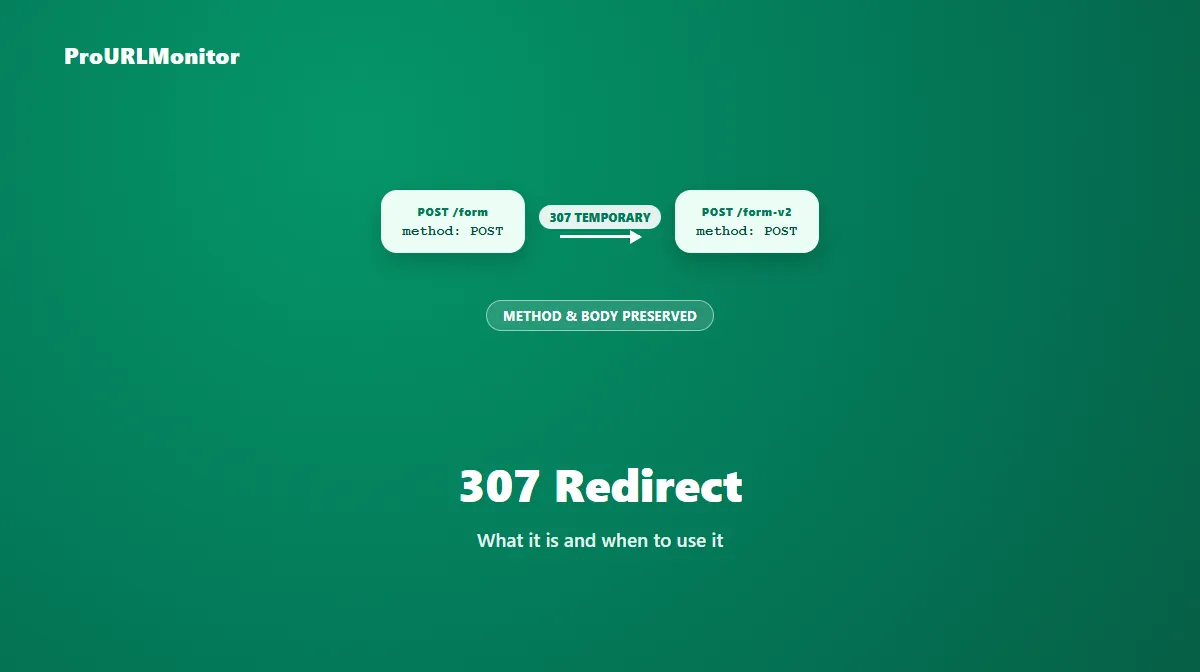
307 Redirect: What It Is and When to Use It
A 307 redirect returns the HTTP status code 307 Temporary Redirect. Like a 302, it signals that a resource is temporarily available at a different URL. Unlike a 302, it makes one specific guarantee: the request method and body are preserved exactly when the client follows the redirect.
That guarantee is the entire reason 307 exists as a separate status code, and it matters most in situations a simple page redirect never runs into — form submissions and API calls, where changing the request method mid-redirect would silently break something.
What Is a 307 Redirect?
A 307 tells a client "this is temporarily at a different URL, and when you follow this redirect, use the exact same HTTP method and body you just used." If a browser sent a POST request with form data to a URL that returns a 307, it resends that same POST request, with the same body, to the new location.
This exists to close a gap in how 301 and 302 behave. Neither of those older status codes strictly guarantees method preservation — in practice, some clients have historically converted a POST into a GET when following either one, silently dropping the request body in the process. For a page redirect, that's rarely noticed. For a form submission or an API call, it can mean the destination receives an empty GET request instead of the POST it was supposed to get.
How a 307 Redirect Works
POST /submit-form HTTP/1.1
Host: example.com
Content-Type: application/x-www-form-urlencoded

name=example&email=example%40example.com

HTTP/1.1 307 Temporary Redirect
Location: https://example.com/submit-form-v2
This is a fictional example for illustration, not a live measurement. The client receiving that 307 response resends the exact same POST request — same method, same body — to /submit-form-v2. Nothing about the request itself changes; only the destination does.
When Should You Use a 307 Redirect?
Reach for a 307 specifically when a temporary redirect needs to guarantee that a non-GET request survives unchanged:
- Form submissions being temporarily rerouted — a form endpoint that's been moved for maintenance or a short-term migration, where the submitted data must still reach the new endpoint intact.
- API endpoints under temporary maintenance, where the API needs to redirect callers to a backup or alternate endpoint without altering the method or payload of the original request.
- Temporary infrastructure changes — load balancing, canary deployments, or short-lived routing changes — where requests of any method need to land on a different backend for a limited time, with their original method and body untouched.
If a redirect only ever needs to handle simple GET requests — an ordinary page move — a 302 is equally valid and far more commonly used in practice. The 307 is worth reaching for specifically when method preservation is a real requirement, not a default choice for every temporary redirect.
307 Redirect Examples
| Scenario | Why 307 fits |
|---|---|
POST /api/v1/orders temporarily redirected to POST /api/v2/orders during a rollout | The order payload must reach the new endpoint exactly as submitted. |
| A contact form temporarily redirected to a backup submission handler during downtime | Form data can't be silently dropped or converted to a GET request. |
An authenticated PUT request temporarily redirected to a secondary API region | The request body and method must be identical at the destination. |
All examples above are fictional and used only to illustrate the scenario.
307 vs 302 Redirect
The difference between these two comes down entirely to method preservation, since both are equally temporary:
| 302 | 307 | |
|---|---|---|
| Permanence | Temporary | Temporary |
| Method/body preserved? | Not guaranteed — some clients convert POST to GET | Guaranteed preserved |
| Typical use | Ordinary page redirects, GET requests | Form/API redirects where method must not change |
| SEO treatment | Original stays canonical | Original stays canonical |
If you're weighing which one fits a specific situation more broadly — including the SEO and permanence side of the decision — the 302 redirect guide covers that status code in full, and the 301 vs 302 redirect guide covers the permanent-vs-temporary decision itself.
307 vs 308 Redirect
308 is to 301 what 307 is to 302: the same method/body-preservation guarantee, but applied to a permanent redirect instead of a temporary one.
| 307 | 308 | |
|---|---|---|
| Permanence | Temporary | Permanent |
| Method/body preserved? | Guaranteed preserved | Guaranteed preserved |
| Use when | The move will be reversed | The move is final, and method must be preserved |
Choosing between 307 and 308 follows the same logic as choosing between 302 and 301 — is the change temporary or permanent — with the added guarantee that neither will silently alter the request method.
How to Return a 307 Redirect
The exact configuration depends on your server or framework, but the pattern is consistent: set the response status explicitly to 307 rather than using a generic redirect helper that might default to 302.
Nginx:
location /submit-form {
    return 307 https://example.com/submit-form-v2;
}
Apache (.htaccess):
Redirect 307 /submit-form https://example.com/submit-form-v2
Next.js (API route):
export default function handler(req, res) {
  res.redirect(307, 'https://example.com/submit-form-v2');
}
Node.js (raw HTTP):
res.writeHead(307, { Location: 'https://example.com/submit-form-v2' });
res.end();
All examples above are illustrative snippets, not a complete production configuration. Whatever framework you use, confirm its default redirect helper actually returns 307 rather than 302 — many general-purpose redirect() functions default to 302 unless you pass the status code explicitly, which defeats the purpose of choosing 307 in the first place.
307 Redirect and SEO
Search engines treat a 307 the same way they treat a 302 for indexing purposes. Google's documentation on redirects groups 307 together with 302 and 303, stating that its indexing pipeline does not use any of these as a signal that the redirect destination should become canonical — that treatment is reserved for 301 and 308.
In practice, that means a 307 carries the same SEO profile as a 302: the original URL keeps its canonical status while the redirect is in place, and the destination doesn't inherit that status just because a redirect points to it. The only difference is the technical guarantee around method preservation, which matters for correctness, not for how search engines weigh canonicalization.
How to Check a 307 Redirect
ProURLMonitor's Redirect Checker requests a URL and reports the exact status code returned at each hop, so you can confirm whether a redirect is a 307 rather than a 302 or another code.
- Open the Redirect Checker.
- Enter the URL you want to check.
- Run the check.
- Review the status code at each hop — a 307 will show up distinctly from a 302 or 301.
- Confirm the destination is correct and that the redirect is being used for the reason you expect (typically, a request that needs its method preserved).
If you're checking an endpoint that normally receives POST requests, keep in mind that most redirect-checking tools — including this one — verify the status code and destination via a server-side request rather than replaying the exact original request your application sends, so pair a redirect check with direct testing of the actual endpoint when method preservation is the specific thing you need to confirm.
Common 307 Redirect Mistakes
- Using a 302 where a 307 was actually needed, silently risking a dropped or converted request body on a form or API redirect.
- Reaching for a 307 on every temporary redirect out of caution, when a plain 302 is simpler and sufficient for ordinary GET-based page redirects.
- Confusing 307 with 308, and applying a temporary redirect to a change that's actually meant to be permanent.
- Assuming 307 changes how search engines treat canonicalization compared to a 302 — it doesn't; the difference is purely about method preservation.
- Leaving a 307 in place long after the underlying situation stopped being temporary, the same mistake that affects any temporary redirect left unmanaged.
Frequently Asked Questions
What is a 307 redirect?
A 307 redirect is an HTTP status code (307 Temporary Redirect) that tells a client a resource is temporarily available at a different URL. Its defining feature is that it guarantees the original request's method and body are reused exactly when the client follows the redirect, rather than potentially being changed.
How is a 307 redirect different from a 302 redirect?
Both are temporary, but a 302 doesn't strictly guarantee the request method survives the redirect — some clients have historically converted a POST into a GET when following one. A 307 removes that ambiguity: the method and body are guaranteed to stay the same. Use 307 specifically when a non-GET request must keep its exact method through the redirect.
When should I use a 307 redirect?
Use a 307 when a temporary redirect needs to preserve a non-GET request exactly — a form submission, an API call, or any request with a body that must reach the destination unchanged. If the redirect only ever handles simple GET requests, a 302 is equally valid and more commonly used.
Does a 307 redirect affect SEO the same way as a 302?
Yes. Google's documentation groups 307 with 302 and 303 — its indexing pipeline doesn't treat any of them as a signal that the destination should become canonical, since all three represent temporary moves. The original URL generally keeps its canonical status while a 307 is in place.
What's the difference between a 307 and a 308 redirect?
Permanence. A 307 is a temporary redirect that preserves the request method and body. A 308 does the same method/body preservation, but signals a permanent move, the way a 301 does. Choose between them the same way you'd choose between 302 and 301 — based on whether the change is temporary or permanent — just with guaranteed method preservation in both cases.
How do I check if a URL returns a 307 redirect?
Use a redirect-checking tool that requests the URL and reports the exact HTTP status code returned. ProURLMonitor's Redirect Checker follows a URL's full redirect path and shows the status code and destination at every hop, so you can confirm whether a URL is returning a 307 rather than a 302 or another code.
Can I use a 307 redirect for a normal page-to-page redirect?
Technically yes, but it's unnecessary overhead for a plain GET request, where a 302 already behaves the same way in practice. Reach for a 307 specifically when method preservation matters — otherwise 302 remains the more conventional choice for a simple temporary redirect.
Try Our Free SEO Tools
Put what you learned into action with our free SEO analysis tools.