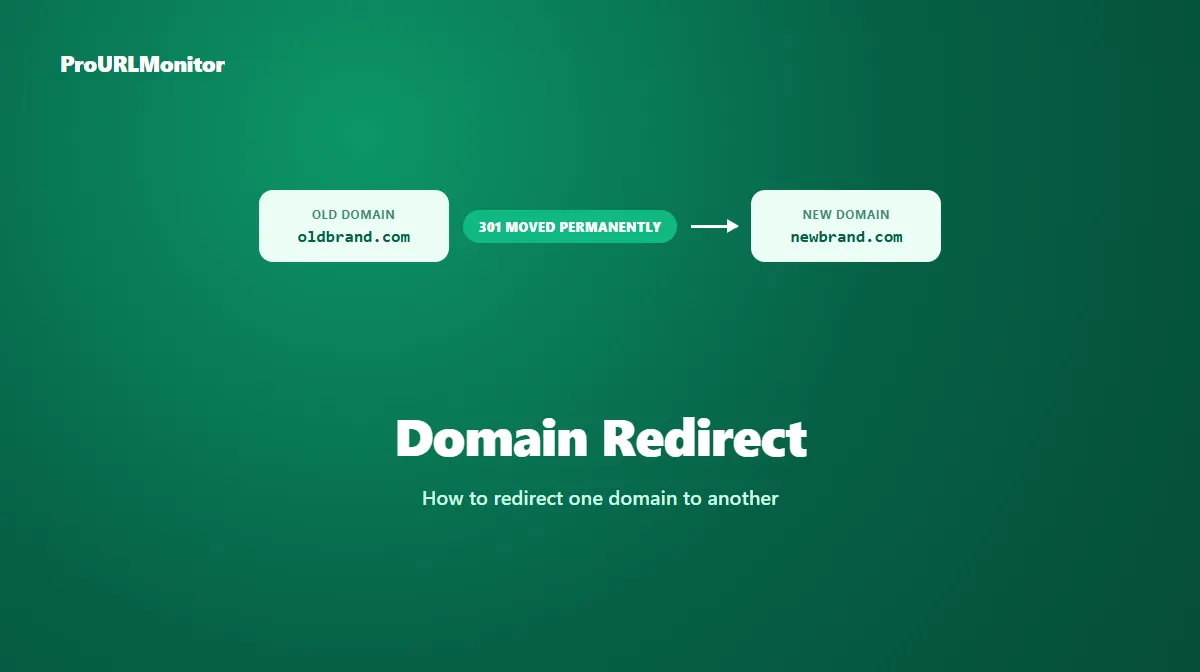
Domain Redirects: How to Redirect One Domain to Another
A domain redirect sends anyone who types in one domain straight to a different one — no broken page, no dead end, just an automatic hop to the new address. It looks like a single action from a visitor's perspective, but underneath it involves two distinct layers that get mixed up constantly: DNS, which routes a request to a server, and an HTTP redirect, which is what actually tells that request to go somewhere else.
This guide covers what a domain redirect really does, how it differs from ordinary domain forwarding in name only, the DNS vs. HTTP distinction that trips people up, and how to set one up correctly for both users and search engines.
What Is a Domain Redirect?
A domain redirect points an entire domain — every URL under it — to a different domain. Typing oldbrand.com into a browser lands the visitor on newbrand.com, without them having to know the old domain even changed hands.
This is different from redirecting a single page. A domain redirect operates at the top level: it's typically used when an entire site has moved, a company has rebranded, or several domains are being consolidated into one canonical address.
https://oldbrand.com
  ↓ 301 Moved Permanently
https://newbrand.com
This is a fictional example for illustration, not a live measurement. A well-configured domain redirect can also map individual old pages to their true new equivalents rather than sending everything to a single destination — more on why that matters below.
Domain Redirect vs Domain Forwarding
These two terms describe the same underlying feature. "Domain forwarding" is simply the name most domain registrars (Namecheap, GoDaddy, Cloudflare Registrar, and others) give to their built-in redirect tool, usually presented as a simple form: enter a source domain, enter a destination, save.
The name difference matters less than what it can obscure: forwarding a domain through a registrar's dashboard still results in an ordinary HTTP redirect being served somewhere — the registrar is just handling that configuration on your behalf instead of you setting it up on your own server.
When Should You Redirect a Domain?
A domain-level redirect is the right tool in a specific set of situations:
- A rebrand, where the old domain name is being retired permanently in favor of a new one.
- Consolidating multiple domains you own into a single canonical address — for example, redirecting
.netand.orgvariants to your primary.com. - A completed site migration to a new domain, where the old domain no longer hosts the original content.
- Protecting a brand by registering common misspellings or alternate TLDs and redirecting them to the main site, without maintaining duplicate content on each one.
It's not the right tool for redirecting a single page or a small section of a site — that's a normal page-level redirect, which doesn't require touching the domain's DNS or forwarding configuration at all.
Permanent vs Temporary Domain Redirects
Domain-level moves are almost always meant to be permanent — a rebrand or a domain retirement isn't something you plan to reverse. That makes a 301 (or 308, if a redirected endpoint's request method must be preserved) the standard choice.
A temporary domain redirect is unusual in practice; genuinely temporary situations are more commonly handled at the page level (a maintenance redirect, a campaign page) rather than pointing an entire domain somewhere else for a limited time. If you're unsure which status code fits a specific redirect, see our 301 vs 302 redirect guide for the full decision framework, or our types of redirects guide for how all five status codes compare.
How to Redirect One Domain to Another
The exact steps depend on where the redirect is actually configured, but there are two common approaches:
Option 1: Registrar or DNS-provider domain forwarding. Most registrars offer a built-in forwarding feature in their dashboard — enter the destination URL, choose permanent or temporary (this usually maps to a 301 or 302 under the hood), and save. This is the simplest option for a domain with no separate hosting of its own.
Option 2: Server or CDN-level redirect. If the old domain still points at a server or CDN you control, configure the redirect there directly, the same way you would for a page-level redirect:
# Nginx — redirect an entire domain
server {
    server_name oldbrand.com www.oldbrand.com;
    return 301 https://newbrand.com$request_uri;
}
# Apache — redirect an entire domain (.htaccess or vhost config)
RewriteEngine On
RewriteCond %{HTTP_HOST} ^(www\.)?oldbrand\.com$ [NC]
RewriteRule ^(.*)$ https://newbrand.com/$1 [R=301,L]
Both examples above are illustrative snippets, not complete production configurations. Notice the use of $request_uri (Nginx) and the capture group (Apache) — this preserves the specific path a visitor requested, so oldbrand.com/about redirects to newbrand.com/about instead of everything collapsing to the new domain's homepage. That distinction matters more than it might seem, both for visitors and for SEO.
DNS vs HTTP Redirects
This is the part that's easy to get technically wrong, and it's worth being precise about.
DNS doesn't perform a redirect. A DNS record — an A record pointing to an IP address, or a CNAME pointing to another hostname — only tells the internet which server to connect to for a given domain. It has no concept of an HTTP status code, a Location header, or a redirect at all. Pointing a domain's DNS at the same server as another domain doesn't redirect anything by itself; it just means requests for both domains reach the same server.
The redirect happens at the HTTP layer. Once a request actually reaches a server (or a CDN edge), something there has to return a 3xx status code and a Location header for a redirect to occur. That's true whether you configure it yourself in Nginx or Apache, or whether a registrar's "domain forwarding" feature does it for you — behind that simple toggle, the registrar is running a server that receives the request and issues the redirect.
The practical takeaway: don't expect a DNS change alone to redirect a domain. If you point oldbrand.com's DNS at newbrand.com's server without an actual redirect rule configured, visitors will likely see an error, a mismatched certificate, or the wrong site entirely — not a clean redirect.
Domain Redirects and SEO
Google's own guidance on moving a site is direct about what a domain move actually requires: server-side permanent redirects from every old URL to its new equivalent. The same documentation notes that DNS changes alone aren't sufficient for transferring search signals — which lines up exactly with the technical distinction above.
A few things that specifically affect SEO outcomes during a domain redirect:
- Map old pages to their true new equivalents, not a single blanket redirect to the new domain's homepage. A visitor or crawler landing on
newbrand.comafter requestingoldbrand.com/specific-productfrom a homepage-only redirect has effectively lost that page. - Use a permanent (301) redirect for the move itself, since it's meant to be final.
- Keep the redirects in place for a long time. Google's site-move documentation recommends at least a year to let ranking signals fully transfer, and suggests keeping them indefinitely from a user's perspective, since backlinks and bookmarks pointing at the old domain don't expire on a schedule.
- Verify both domains in Search Console separately, and submit an updated sitemap referencing the new domain's URLs.
For the broader picture of how redirects affect SEO beyond just domain moves, see our SEO redirects guide.
Domain Migration Redirect Checklist
- Map every important old URL to its specific new equivalent — not just the homepage.
- Configure server-side 301 redirects (or 308 where method preservation matters) for the full mapping.
- Confirm DNS for the new domain is correctly configured and the destination server is reachable.
- Verify SSL/TLS certificates are valid on the new domain before sending traffic there.
- Update internal links across any remaining content to reference the new domain directly.
- Verify both the old and new domain in Google Search Console.
- Submit a sitemap for the new domain.
- Keep the old domain's redirects active for at least a year.
Common Domain Redirect Problems
- Redirecting everything to the new homepage instead of mapping specific old pages to their true equivalents, which strands deep links and hurts the migration's SEO outcome.
- Assuming a DNS change alone redirects the domain, when nothing at the destination is actually configured to return a redirect response.
- Letting the SSL certificate lapse on the old domain, which can break the redirect for HTTPS visitors before it even reaches the server-level rule.
- Mixing 301 and 302 across different paths, sending an inconsistent signal about whether the move is permanent.
- Retiring the old domain's redirect too early, before search engines and long-lived backlinks have had time to catch up.
How to Test a Domain Redirect
Don't assume a domain redirect is working the way you configured it — confirm it directly. ProURLMonitor's Bulk Redirect Checker checks up to 100 URLs in one scan, which is exactly what testing a domain move needs — not just the homepage, but a batch of specific inner pages too.
- Open the Bulk Redirect Checker.
- Enter a handful of URLs from the old domain — not just the homepage, but a few specific inner pages too.
- Run the check.
- Confirm each one returns a 301 (or your intended status code) and lands on the correct, matching page on the new domain.
- Confirm there's no unnecessary chain — ideally a single hop from old domain to new.
Frequently Asked Questions
What is a domain redirect?
A domain redirect sends anyone who visits one domain to a different domain automatically. It's commonly used when a business rebrands, consolidates multiple domains into one, or retires an old domain in favor of a new one, and wants visitors (and search engines) to end up at the new address instead of a dead site.
Is domain redirect the same as domain forwarding?
Yes, in everyday use. "Domain forwarding" is the term most domain registrars use for the same feature — sending traffic from one domain to another. Some registrars offer it as a simple toggle, which can make the actual HTTP redirect underneath easy to overlook.
Does changing DNS settings redirect a domain by itself?
No. A DNS record (like an A or CNAME record) only tells the internet which server to connect to for a given domain — it doesn't send a redirect response on its own. Something has to be listening at that server and actually return an HTTP 3xx status code with a Location header for a real redirect to happen. Registrar "domain forwarding" features handle this for you, but the redirect itself still happens at the HTTP layer, not the DNS layer.
Should a domain redirect be permanent (301) or temporary (302)?
Use a permanent redirect (301, or 308 if method preservation matters) whenever the domain change is final — a rebrand, a retired domain, or a completed migration. Use a temporary redirect only if you genuinely expect to reverse the change later, which is uncommon for a domain-level move.
Does redirecting a domain hurt SEO?
Not if it's done correctly. Google's own site-move guidance recommends server-side permanent redirects from every old URL to its new equivalent, and states that DNS changes alone aren't sufficient for transferring search signals. A single blanket redirect to the new domain's homepage, instead of matching old pages to their true new equivalents, is what typically causes ranking loss during a domain move.
How do I test a domain redirect?
Use a redirect checker to request the old domain and confirm it returns the correct status code and lands on the intended new URL. ProURLMonitor's Redirect Checker follows the full redirect path and reports the status code, destination, and any protocol change at every hop, so you can confirm the domain redirect is actually working as configured.
Try Our Free SEO Tools
Put what you learned into action with our free SEO analysis tools.