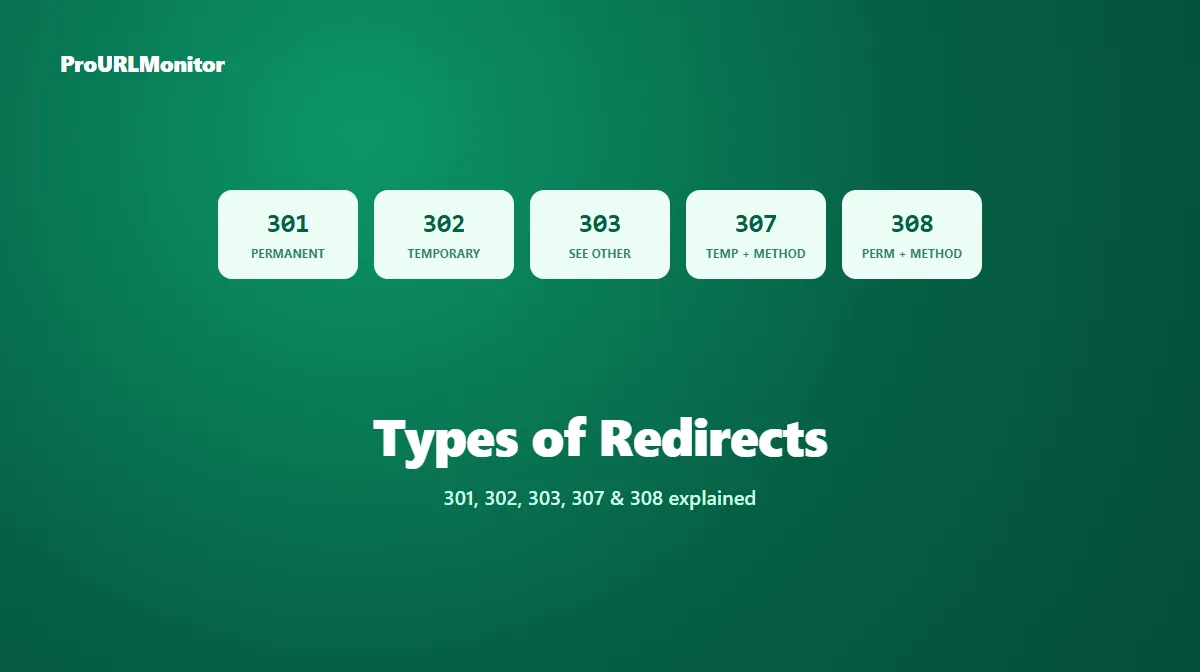
Types of Redirects: 301, 302, 303, 307 & 308 Explained
Every redirect on the web is one of a small set of HTTP status codes, and which one a server returns actually matters — it changes how search engines treat the destination, and in some cases, how the request itself behaves. This guide maps out all five redirect types in common use, what separates them, and which one fits a given situation.
What Are HTTP Redirects?
An HTTP redirect is a response that tells a client — a browser, a crawler, an API caller — that the resource it requested is available at a different URL. The server returns a status code in the 3xx range along with a Location header pointing to that new address, and the client follows it automatically.
Every redirect status code answers two separate questions:
- Is the move permanent or temporary? This determines whether search engines treat the new URL as the one to index going forward, or keep treating the original as canonical.
- Is the original request method preserved? This matters mainly for non-GET requests — a form submission or an API call — where changing the method mid-redirect could silently break something.
Redirect Status Codes at a Glance
| Code | Name | Permanence | Method/body preserved? |
|---|---|---|---|
| 301 | Moved Permanently | Permanent | Not guaranteed |
| 302 | Found | Temporary | Not guaranteed |
| 303 | See Other | Temporary | Always converts to GET |
| 307 | Temporary Redirect | Temporary | Guaranteed preserved |
| 308 | Permanent Redirect | Permanent | Guaranteed preserved |
The two "not guaranteed" rows exist because some clients have historically converted a POST request into a GET when following a 301 or 302 — a quirk that 307 and 308 were introduced specifically to close.
301 Moved Permanently
The most common redirect on the web. A 301 tells clients a URL has moved for good, and tells search engines the new URL should become canonical. It's the default choice for a permanent page rename, a merged pair of URLs, or an HTTP → HTTPS migration.
For the full picture — how it works, SEO impact, implementation snippets, and common mistakes — see the 301 redirect guide.
302 Found
A 302 signals a temporary move: the resource is available elsewhere right now, but the original URL is expected to return to normal use later. Search engines generally keep treating the original URL as canonical while a 302 is in place, since the redirect itself says the change isn't final.
For the full breakdown, see the 302 redirect guide.
303 See Other
A 303 is a temporary redirect with one defining rule: the follow-up request is always made with GET, regardless of the original method. It's most commonly used to implement the Post/Redirect/Get pattern — sending a browser to a confirmation page after a form submission so refreshing that page doesn't resubmit the form.
For the full explanation of how 303 works and when to reach for it, see the 303 redirect guide.
307 Temporary Redirect
A 307 behaves like a 302 in every way except one: it guarantees the original request method and body survive the redirect unchanged. It exists specifically for situations where a temporary redirect needs to carry a non-GET request — a form or API call under temporary maintenance — without risking it being silently converted to GET.
For the full breakdown, including server configuration examples, see the 307 redirect guide.
308 Permanent Redirect
A 308 is what a 301 would be if it also guaranteed method and body preservation. It signals a permanent move, exactly like a 301, but is the correct choice when the redirected request is a non-GET method that must not be silently changed — for example, a permanently relocated API endpoint that receives POST requests.
For ordinary GET-based page redirects, 301 and 308 behave identically to a visitor, and 301 remains the far more common choice in practice. Reach for 308 specifically when method preservation on a permanent redirect matters.
Temporary vs Permanent Redirects
This is the single most important distinction to get right, because it's what search engines actually key off of for canonicalization:
| Permanent (301, 308) | Temporary (302, 303, 307) | |
|---|---|---|
| Search-engine treatment | New URL becomes canonical | Original URL generally stays canonical |
| Typical use | URL restructure, consolidation, migration | Campaign page, maintenance, short-term test |
| Should the old URL come back? | No | Yes, eventually |
Using the wrong category — a temporary code for a permanent change, or vice versa — is the most common redirect mistake, and it's covered in full in the 301 vs 302 redirect guide.
Which Redirect Type Should You Use?
A simple decision path:
- Is the change permanent?
- Yes, and the request is a normal page load → 301.
- Yes, and the request method/body must be preserved (e.g. a permanently moved API endpoint) → 308.
- Is the change temporary?
- Yes, and you want the next request to be a plain GET (e.g. a confirmation page after a form post) → 303.
- Yes, and the request method/body must be preserved exactly → 307.
- Yes, and it's an ordinary temporary page redirect → 302.
Most day-to-day redirects only ever need 301 or 302 — the other three exist for the more specific situations above.
How to Check a Redirect Type
You don't have to guess or inspect server configuration to find out which status code a URL is actually returning. ProURLMonitor's Redirect Checker requests a URL, follows its full redirect path, and reports the exact status code, destination, and any protocol change at every hop.
- Open the Redirect Checker.
- Enter the URL you want to check.
- Run the check.
- Open View chain to see the status code returned at each hop.
- Confirm the type matches what you intended — especially after a migration or bulk redirect rule change, where it's easy for the wrong status code to slip in.
Frequently Asked Questions
What are the main types of redirects?
There are five HTTP redirect status codes in common use: 301 (Moved Permanently), 302 (Found), 303 (See Other), 307 (Temporary Redirect), and 308 (Permanent Redirect). Each combines two properties — whether the move is permanent or temporary, and whether the original request method is preserved.
What is the difference between 301, 302, 303, 307, and 308?
301 and 308 are permanent; 302, 303, and 307 are temporary. Separately, 307 and 308 guarantee the request method and body are preserved through the redirect, while 301, 302, and 303 don't make that same guarantee — 303 specifically always converts the follow-up request to GET.
Which redirect type should I use for a permanent URL change?
Use a 301 for an ordinary permanent page redirect. Use a 308 instead only if the request must keep its exact method and body — for example, a permanently moved API endpoint that receives POST requests.
Which redirect type should I use for a temporary change?
Use a 302 for an ordinary temporary redirect, such as a campaign page or maintenance detour. Use a 307 instead if the request must keep its exact method and body, and use a 303 specifically when you want the follow-up request to become a GET, such as showing a confirmation page after a form submission.
Do all redirect types affect SEO the same way?
No. Google's documentation states that its indexing pipeline treats a 301 or 308 as a signal that the redirect target should become canonical, while it does not treat a 302, 303, or 307 that way, since those signal a temporary move. The original URL generally keeps its canonical status while a temporary redirect is in place.
How do I check which redirect type a URL is using?
Use a redirect-checking tool that requests the URL and reports the exact HTTP status code returned. ProURLMonitor's Redirect Checker follows a URL's full redirect chain and shows the status code, destination, and any protocol change at every hop, so you can confirm exactly which type of redirect is in use.
Try Our Free SEO Tools
Put what you learned into action with our free SEO analysis tools.