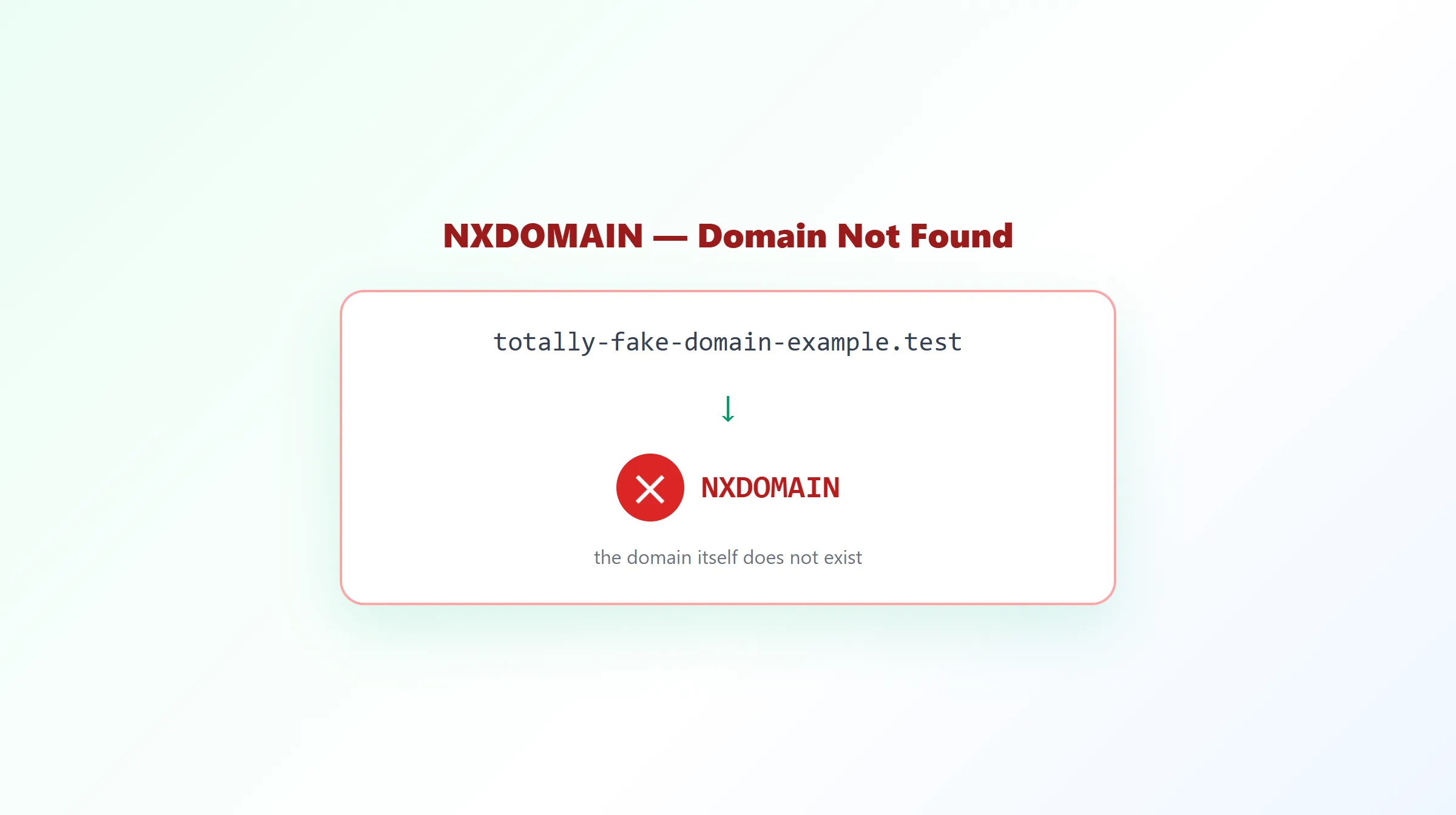
NXDOMAIN Error: What It Means & How to Fix It
Few DNS responses cause as much confusion as NXDOMAIN — often mistaken for "this record doesn't exist" when it actually means something more absolute: the domain itself isn't there.
What Does NXDOMAIN Mean?
NXDOMAIN stands for Non-Existent Domain. It's a DNS response code (RCODE 3, if you're looking at raw values) that means the queried name doesn't exist anywhere in the DNS system — not that this particular record type is missing, but that the name itself has no presence in DNS at all.
When a domain returns NXDOMAIN, that answer applies to every record type you might query for it. Querying its A record, its MX record, its TXT record — all of them come back NXDOMAIN, because the problem is the name, not any specific kind of record.
What Causes NXDOMAIN?
- A typo in the domain name. By far the most common cause — a mistyped domain simply doesn't exist.
- A domain that was never registered. Querying an available domain returns NXDOMAIN, since nothing has ever been published for that name.
- An expired registration. Once a domain's registration lapses and isn't renewed, it eventually stops resolving and returns NXDOMAIN.
- A recently deleted zone. If a domain's DNS zone is intentionally removed, the name stops existing from DNS's point of view.
- A broken nameserver delegation. If a domain's registrar-level NS delegation points at nameservers that don't actually know about the zone, queries can fail in ways that present similarly to NXDOMAIN.
NXDOMAIN vs No DNS Record
This is the distinction that trips people up most. There are two entirely different situations that can look similar at a glance:
| Situation | DNS Response | What It Means |
|---|---|---|
| Domain doesn't exist at all | NXDOMAIN | The name itself has no presence in DNS, for any record type. |
| Domain exists, but has no record of the queried type | NOERROR (empty answer, sometimes called NODATA) | The name is valid and resolvable — it just doesn't happen to have, say, an MX record. |
A real-world example: blog.example.com might have an A record but no MX record. Querying its MX record correctly returns NOERROR with no data — not NXDOMAIN — because blog.example.com unquestionably exists; it simply doesn't have that one record type. A tool (or a person) that treats every empty answer as "domain not found" will misdiagnose this constantly.
How to Check for NXDOMAIN
The only reliable way to tell these two situations apart is to read the DNS response code directly, rather than just noticing that an answer came back empty. Many simple lookup tools only check whether a result array is empty, which silently collapses NXDOMAIN and NOERROR into the same "nothing here" appearance.
ProURLMonitor's free DNS Records Checker reads this response code explicitly: if a domain is genuinely NXDOMAIN, it's labeled as not found, rather than being shown as seven separate empty record sections that look identical to a domain that simply lacks those specific record types.
During a DNS change, it's also possible for some resolvers to still return NXDOMAIN (an old cached negative answer) while others already show a real record — that's a normal caching artifact, not a broken domain. The DNS Propagation Checker shows NXDOMAIN as its own distinct group per resolver instead of hiding it inside a generic "not found" result — see how DNS propagation actually works for the full explanation.
How to Fix NXDOMAIN
- Double-check the domain name for typos. This resolves the overwhelming majority of NXDOMAIN reports.
- Confirm the domain is actually registered and current. A WHOIS or domain lookup will show whether the registration is active, expired, or available.
- Check the nameserver delegation at the registrar. If the domain is registered but the NS records at the registrar point to nameservers that don't have the zone configured, queries can fail similarly to NXDOMAIN.
- Rule out a stale negative cache. Negative answers are cached too, based on the minimum TTL field in the domain's SOA record — so if the domain was briefly broken and is now fixed, a resolver might still be serving an old NXDOMAIN answer until that cache expires. Re-querying through a different resolver can confirm whether this is the case.
How to Verify the Fix
Once you believe the underlying issue is resolved, re-run the lookup and confirm the response is no longer NXDOMAIN — and, ideally, that the specific record types you actually need (A, MX, and so on) now return real data rather than just a non-error empty response.
Frequently Asked Questions
What does NXDOMAIN mean?
NXDOMAIN (Non-Existent Domain) is a DNS response code meaning the queried domain name doesn't exist anywhere in the DNS system, or the authoritative nameserver has no record of it existing. It's a statement about the domain itself, not about any one record type.
What causes NXDOMAIN?
Common causes include a genuine typo in the domain name, a domain that was never registered, a domain whose registration has expired and lapsed, a domain recently deleted from its zone, or — less commonly — a resolver issue or an overly aggressive local cache serving a stale negative result.
Is NXDOMAIN the same as a domain having no record of a specific type?
No, and this is the most common confusion around NXDOMAIN. If a domain exists but simply has no MX record, for example, the correct response is NOERROR with an empty answer (sometimes called NODATA) — not NXDOMAIN. NXDOMAIN specifically means the name itself doesn't exist, at any record type.
How do I check if a domain is returning NXDOMAIN?
Run a DNS lookup against the domain and check the response code directly, rather than just looking at whether an answer came back empty. ProURLMonitor's free DNS Records Checker reads this response code and clearly labels a domain as not found when it's genuinely NXDOMAIN, instead of showing seven empty record sections that look identical to a domain with no records of those specific types.
How do I fix an NXDOMAIN error?
First confirm the domain name is typed correctly. If it is, check whether the domain is actually registered and its registration is current — an expired or recently deleted domain will return NXDOMAIN. If the domain should exist and is registered, confirm its nameservers are correctly delegated at the registrar, since a broken NS delegation can also produce NXDOMAIN-like failures.
Can a local cache cause a false NXDOMAIN?
Yes, in principle. Negative responses get cached too, governed by the minimum TTL field in the domain's SOA record — so if a domain was briefly unreachable and returned NXDOMAIN, a resolver could keep serving that cached negative answer for a while even after the domain becomes resolvable again. This is uncommon but worth ruling out by re-querying after the negative-cache period, or via a different resolver.
Try Our Free SEO Tools
Put what you learned into action with our free SEO analysis tools.