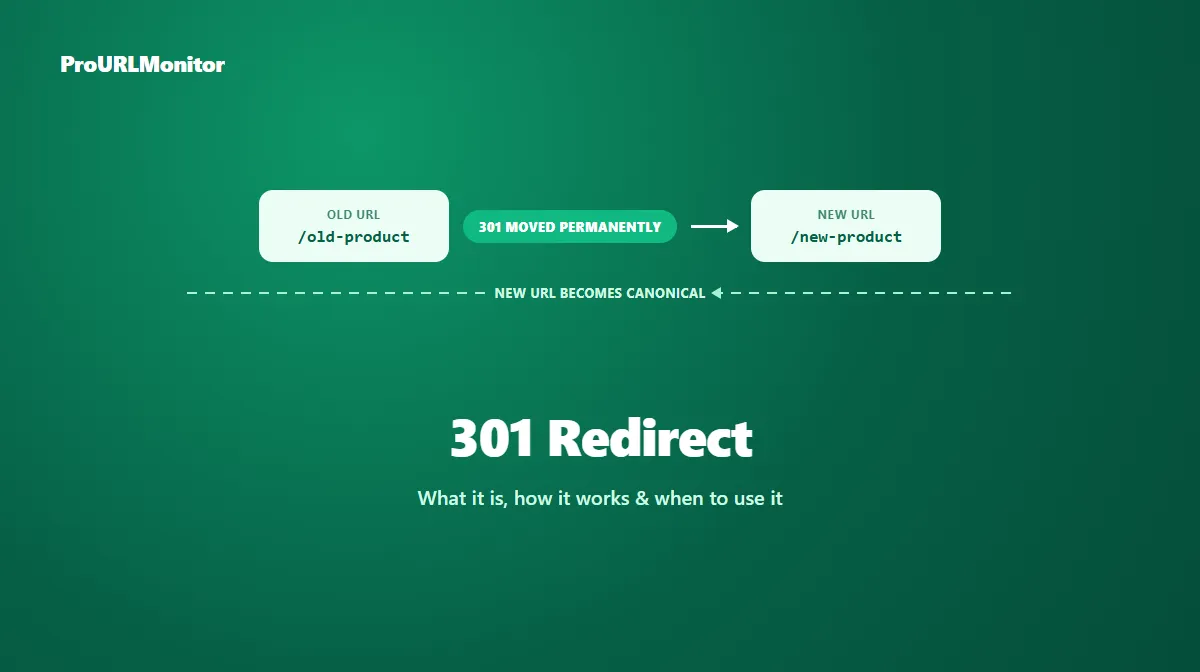
301 Redirect: What It Is, How It Works & When to Use It
The short answer: a 301 redirect returns the HTTP status code 301 Moved Permanently, and it tells browsers, crawlers, and any other client that a URL has moved for good. It's the single most common redirect on the web, and the default choice whenever a URL change is meant to be final.
Browsers follow a 301 automatically — a visitor typically never notices the hop happened. Search engines treat it as something stronger: a direct signal that the new URL, not the old one, should be treated as canonical going forward.
This guide covers what a 301 actually does, whether it's truly permanent, how it affects SEO, how to set one up, and how to confirm one is working correctly.
What Is a 301 Redirect?
When a server returns a 301, it's making a specific claim to whatever requested the URL: this resource has permanently relocated, and you should use the new address from now on. The response includes a Location header pointing to the destination, and the client — a browser, a crawler, an API client — follows it to load the new URL.
GET /old-product HTTP/1.1
Host: example.com

HTTP/1.1 301 Moved Permanently
Location: https://example.com/new-product
This is a fictional example for illustration, not a live measurement. Nothing about the request itself changes — only the destination does, and the client is expected to treat that destination as the resource's real, lasting address from this point forward.
Is a 301 Redirect Permanent?
Yes — that's the entire point of the status code, and it's what separates a 301 from a 302, 303, or 307. A 301 is a commitment: the original URL isn't expected to come back into use, and both search engines and browsers are meant to update their records accordingly.
That commitment has a practical consequence worth knowing: browsers can cache a 301 aggressively, sometimes for a very long time, since the whole premise of a permanent redirect is that the mapping won't change. If you set up a 301 by mistake and later remove it, some returning visitors' browsers may keep redirecting them based on the cached response rather than immediately re-checking with the server. That's a reason to be confident a change really is permanent before returning a 301 — not a reason to avoid using one when it genuinely is.
How a 301 Redirect Works
The mechanics are the same as any redirect: a client requests a URL, the server responds with status code 301 and a Location header, and the client automatically loads that new address. What's specific to a 301 is the meaning attached to that response — a promise of permanence, not just a temporary detour.
One technical limitation worth knowing: a 301 doesn't strictly guarantee that the original request method survives the redirect. Some clients have historically converted a POST request into a GET when following a 301. If a permanent redirect needs to preserve a non-GET method and body exactly, 308 is the status code built for that — it behaves like a 301 in every other respect.
When Should You Use a 301 Redirect?
Reach for a 301 whenever a change is intended to last:
- A URL has been permanently renamed or restructured, and there's no plan to revert it.
- Two or more overlapping pages have been consolidated into one, and the losing URLs should point to the survivor from now on.
- A site has permanently moved to HTTPS, and every HTTP URL should redirect to its HTTPS equivalent.
- A page has been permanently replaced by a specific, closely related page — not just redirected somewhere convenient.
- A domain or full site migration is final, and old-domain URLs need to point at their new-domain equivalents.
A 301 is a statement that the old URL isn't coming back. It isn't a general-purpose fix for a missing page — redirecting an unrelated deleted URL to the homepage "just in case" is a weak, unhelpful signal compared to a genuinely relevant destination, and can leave both users and crawlers confused about what actually happened to the content.
301 Redirect and SEO
The core reason a 301 matters for SEO is canonicalization, not some abstract notion of "SEO value" being transferred like a fixed quantity. Google's documentation on redirects states that for a 301 (or 308), its indexing pipeline "uses the redirect as a signal that the redirect target should be canonical." Google's guidance on changing a page's URL is direct about this too: "If you need to change the URL of a page as it is shown in search engine results, we recommend that you use a permanent server-side redirect whenever possible."
In practice, that means:
- The new URL becomes the one Google works to index and rank, provided the redirect is set up correctly and points somewhere genuinely relevant.
- The old URL is expected to drop out of that role over time as Google recrawls and updates its index.
- Even after a 301 is live, Google's own documentation notes it's normal to keep seeing the old URL occasionally in results for a while — that's expected behavior during the transition, not a sign the redirect failed.
A few things matter more than the status code alone:
- Destination relevance — a 301 to a closely related replacement page is a strong signal; a 301 to an unrelated page (like a blanket redirect to the homepage) is a weak one regardless of the status code.
- Consistency — a URL that sometimes returns a 301 and sometimes a 302 (common with misconfigured HTTP/HTTPS or www/non-www rules) undermines the canonical signal you're trying to send.
- Redirect chains — routing through several intermediate hops before the final destination adds latency and complicates maintenance. See our redirect chain guide for how to find and shorten them.
For a full comparison of when to choose a 301 over a temporary redirect, see the 301 vs 302 redirect guide.
301 Redirect Examples
| Scenario | Why a 301 fits |
|---|---|
example.com/2019-guide permanently renamed to example.com/guide | The old URL is never coming back under its original name. |
| Two overlapping blog posts merged into one comprehensive article | The weaker post's URL should permanently point to the survivor. |
http://example.com migrated to https://example.com for good | HTTPS is the final, permanent version of every URL on the site. |
oldbrand.com permanently retired in favor of newbrand.com | The domain change is final — see our domain redirect guide for the full migration process. |
All URLs above are fictional and used only to illustrate the scenario.
How to Create a 301 Redirect
The exact configuration depends on your server or platform, but every method boils down to the same thing: return status code 301 with a Location header pointing to the new URL.
Apache (.htaccess):
Redirect 301 /old-product https://example.com/new-product
Nginx:
location /old-product {
    return 301 https://example.com/new-product;
}
Next.js (next.config.js):
module.exports = {
  async redirects() {
    return [
      { source: '/old-product', destination: '/new-product', permanent: true },
    ];
  },
};
Node.js (raw HTTP):
res.writeHead(301, { Location: 'https://example.com/new-product' });
res.end();
All examples above are illustrative snippets, not complete production configurations. If you're on a CMS or hosting platform with a built-in redirect manager, use that instead of hand-editing server config — it's less error-prone and usually keeps a record of every rule in one place.
How to Check a 301 Redirect
Don't assume a redirect is returning the status code you intended — confirm it. ProURLMonitor's Redirect Checker requests a URL, follows its full redirect path, and reports the exact status code and destination at every hop.
- Open the Redirect Checker.
- Enter the URL you want to verify.
- Run the check.
- Confirm the status code is exactly 301, not 302, 307, or 308.
- Confirm the destination is the URL you actually intend visitors and search engines to land on.
This is especially useful after a bulk redirect rule change or a migration, when it's easy for a server configuration to quietly apply the wrong status code — or an inconsistent mix — across different URL patterns.
301 vs 302: Quick Difference
A 301 tells search engines the destination should become the new canonical URL, because the move is permanent. A 302 keeps the original URL canonical, because the move is meant to be temporary. If you're not sure which one fits your situation, the 301 vs 302 redirect guide walks through the full decision framework, including the SEO reasoning behind each choice.
Common 301 Redirect Mistakes
- Redirecting to an irrelevant destination, such as sending every deleted page to the homepage instead of the closest genuinely relevant replacement.
- Using a 301 for a change that isn't actually final, which commits search engines to a destination you might reverse.
- Creating unnecessary redirect chains by pointing a new redirect at an already-redirected URL instead of the true final destination.
- Removing a 301 too early, before search engines and long-lived backlinks have had time to catch up — see Google's own guidance to keep redirects in place for at least a year during a migration.
- Inconsistent status codes across similar URLs, where some paths return 301 and others return 302 for what should be the same kind of permanent change.
How to Verify a 301 Redirect
After setting one up, don't treat it as done until you've confirmed it behaves as intended:
- Run the URL through the Redirect Checker and confirm the status code is exactly 301.
- Check that the destination matches your intended target — a 301 to the wrong page still fully redirects visitors, so a typo in the destination won't be obvious without checking.
- Confirm the redirect is consistent across all variants of the URL (HTTP and HTTPS, www and non-www) rather than only working for one.
- Recheck periodically after a large migration, since server or CMS updates can occasionally overwrite redirect rules without anyone noticing right away.
Frequently Asked Questions
What is a 301 redirect?
A 301 redirect is an HTTP status code (301 Moved Permanently) that tells a browser, crawler, or any other client that a URL has permanently relocated to a new address. It's the standard way to tell search engines a page's old URL should be replaced by a new one going forward.
Is a 301 redirect the same as a permanent redirect?
Yes. "301 redirect" and "permanent redirect" refer to the same thing in almost all everyday use — a 301 is the classic, most widely supported permanent redirect. The one technical exception is 308, which is also permanent but additionally guarantees the original request method and body are preserved, something a 301 doesn't strictly guarantee.
Does a 301 redirect pass SEO value to the new URL?
Google's own documentation states that its indexing pipeline "uses the redirect as a signal that the redirect target should be canonical" for a 301. In practice, that means the new URL is the one Google works to index and rank going forward, provided the redirect points to a genuinely relevant replacement page rather than an unrelated one.
How do I create a 301 redirect?
The exact method depends on your server or platform: an .htaccess rule on Apache, a return 301 directive on Nginx, a redirect() call in a Next.js API route, or a rule in your CMS's redirect manager. In every case, the server needs to be configured to respond with status code 301 and a Location header pointing to the new URL.
How long should a 301 redirect stay in place?
For a permanent change, indefinitely. Google's own site-move documentation recommends keeping redirects in place for at least a year to let all ranking signals transfer, and notes that from a user's perspective, keeping them indefinitely is worth considering, since old links, bookmarks, and backlinks can keep pointing at the original URL for a long time.
How can I check if a URL returns a 301 redirect?
Use a redirect checker to request the URL and inspect the exact status code returned. ProURLMonitor's Redirect Checker follows a URL's full redirect chain and reports the status code, destination, and any protocol change at every hop, so you can confirm a 301 is actually being returned rather than a 302, 307, or something else.
What's the difference between a 301 and a 302 redirect?
A 301 signals a permanent move and tells search engines the new URL should become canonical. A 302 signals a temporary move, so the original URL generally keeps its canonical status. See our full 301 vs 302 redirect guide for the complete decision framework.
Try Our Free SEO Tools
Put what you learned into action with our free SEO analysis tools.